Online Method to Change Your Phone Number Linked With Aadhaar
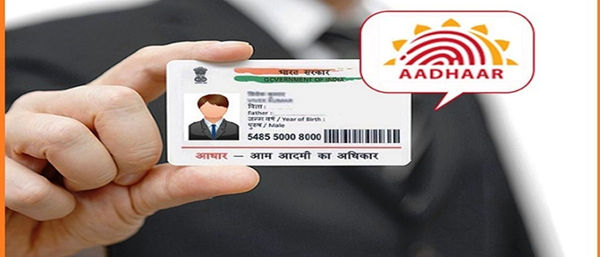
Keeping your Aadhaar-linked mobile number current is no longer just a formality—it’s a necessity. The registered mobile number is required for OTP-based authentication, which is vital for accessing government schemes, completing financial transactions, and using a wide range of online services.
Aadhaar, issued by the Unique Identification Authority of India (UIDAI), is a 12-digit identity number that acts as the most important proof of identity and address in the country. From receiving subsidies and benefits to applying for a passport, a driving licence, or school and college admissions, Aadhaar plays a crucial role.
If your mobile number is outdated or inactive, you will not be able to receive OTPs, which means you won’t be able to complete online verifications for payments, government portals, or Aadhaar-linked services.
Unlike other Aadhaar details that can still be changed online, UIDAI has stopped allowing mobile number updates through its website or the mAadhaar app. At present, changes to your registered mobile number can only be done offline by visiting an Aadhaar Seva Kendra (ASK). However, you can schedule your appointment online in advance through the official UIDAI website.
How to schedule an appointment online
- Visit the UIDAI website and select your preferred language.
- Go to My Aadhaar > Get Aadhaar > Book an Appointment.
- Select your city/location from the dropdown menu and click Proceed to Book Appointment.
- Enter your current registered mobile number, complete the captcha, and generate an OTP.
- Verify the OTP to continue.
- Provide details such as Aadhaar number, full name, date of birth, state, city, and the Aadhaar Seva Kendra of your choice.
- From the update options, select New Mobile Number.
- Pick your preferred date and time slot.
- Review all details and confirm the appointment.
After booking, you must physically visit the selected Aadhaar Seva Kendra at the scheduled time.
At the centre, you’ll need to fill out the Aadhaar update form, complete biometric authentication, and pay a service fee of ₹50. Once the process is done, UIDAI will issue an acknowledgement slip with a URN (Update Request Number). You can use this URN to track the progress of your mobile number update.
Related Posts