What is the real-time use of the "blockquote"<blockquote> tag on a website?</blockquote>
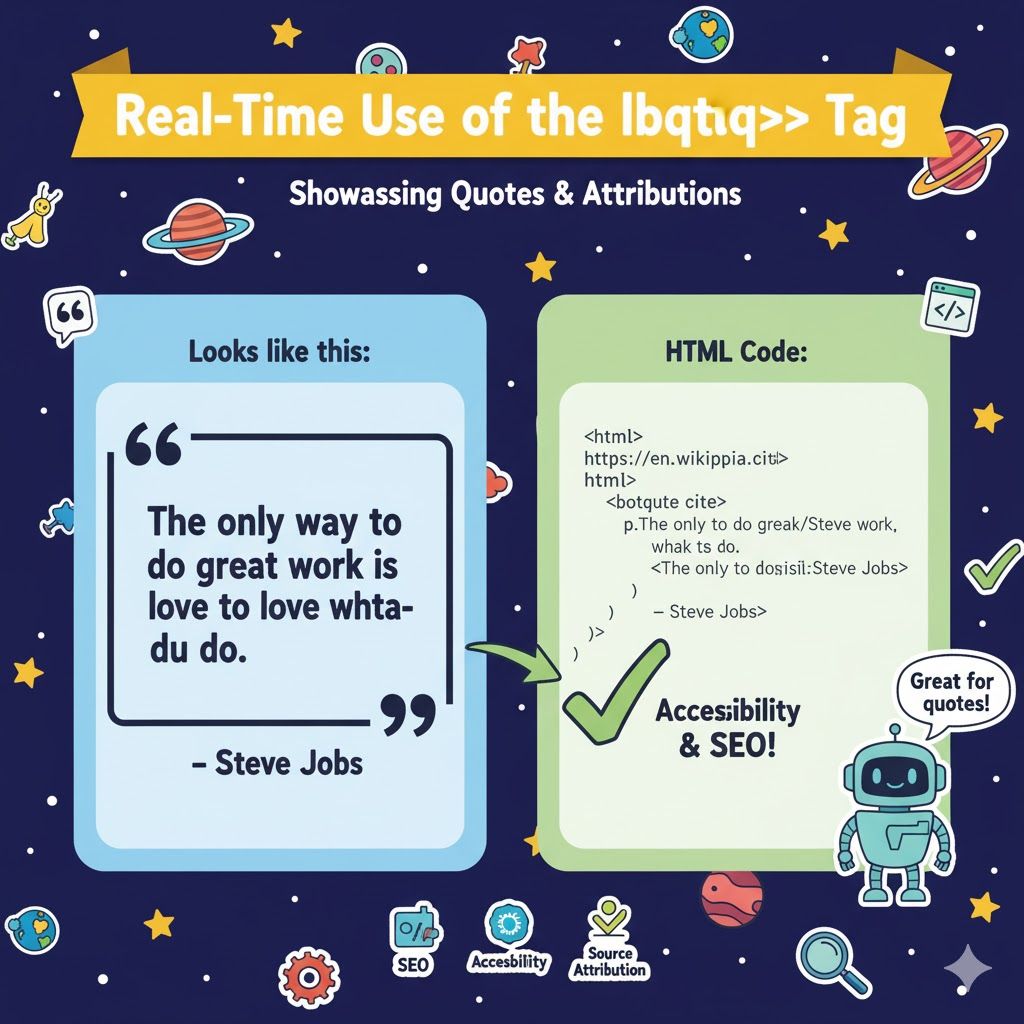
Here is the best, real-time, practical explanation of the <blockquote> tag with clean examples 👇
Real-time uses of <blockquote>
<blockquote> is the semantic HTML element for longer quotations — content quoted from another source. In real sites it’s used for things like: article quotes, testimonials, pull-quotes in long posts, cited passages, or law/text excerpts. Using it correctly improves semantics, accessibility, and styling ability.
1) Basic usage
Use <blockquote> for multi-line quoted text. Add a cite attribute (URL of source) and optionally a visible attribution.
<blockquote cite="https://www.example.com/article">
  <p>
    The future belongs to those who learn more skills and combine them in creative ways.
  </p>
  <footer>
    — <cite><a href="https://www.example.com/article">Jane Doe, Example Article</a></cite>
  </footer>
</blockquote>
Notes
citeis a machine-readable reference (does not display text by itself).- Use a
<footer>(or<figcaption>) inside to show human-friendly attribution.
2) Inline short quotes: use <q>
For short inline quotes use <q> — it automatically adds quotation marks in most browsers.
<p>As she said, <q>learning never stops</q>, and that changed everything.</p>
3) Accessible & semantic pattern (figure/fig caption)
Wrap blockquote in <figure> when you want a caption/credit associated:
<figure>
  <blockquote cite="https://news.example.com/story">
    <p>Innovation distinguishes between a leader and a follower.</p>
  </blockquote>
  <figcaption>— <a href="https://news.example.com/story">A. Person, News Example</a></figcaption>
</figure>
Screen readers/readers understand the relationship better with these semantics.
4) Styled pull-quote (visual use)
Make a quote stand out on the page (pull-quote) with CSS:
<figure class="pull-quote">
  <blockquote>
    <p>Design is not just what it looks like and feels like. Design is how it works.</p>
  </blockquote>
  <figcaption>— Steve Jobs</figcaption>
</figure>
.pull-quote {
  position: relative;
  margin: 1.5rem;
  padding: 1rem 1.25rem;
  border-left: 4px solid #2b6cb0;
  background: #f7fafc;
  border-radius: 6px;
  font-style: italic;
}
.pull-quote blockquote { margin: 0; }
.pull-quote figcaption {
  margin-top: .5rem;
  font-size: .9rem;
  color: #444;
}
5) Practical examples (where you’d use it)
- Blog/article: highlight a sentence or cite an external source.
- Testimonials: quote a customer (with permission).
- Legal/Policy pages: quote statutes, rulings, or external documents.
- Docs/knowledge base: show canonical wording from a standard.
6) SEO & accessibility tips
- Use
<blockquote>for true quotations — don’t use it purely for visual styling. - Include a visible attribution (
<footer>or<figcaption>) andcitefor source credibility. - For accessibility, ensure links in attribution have descriptive link text and that the quote context is clear.
- Avoid using blockquote for non-quoted marketing copy (use normal text + CSS).
7) When not to use <blockquote>
- Don’t wrap generic callouts, tips, or UI labels in
<blockquote>unless they’re actual quoted text. - For short inline quotes, prefer
<q>.
Related Posts





