What is the difference between <ol type="A"> and <ol type="B"><ol type="A"><ol type="1"></ol></ol>
By GetItFully••12 min read
What Is the Difference Between <ol type="A"> and <ol type="1">?
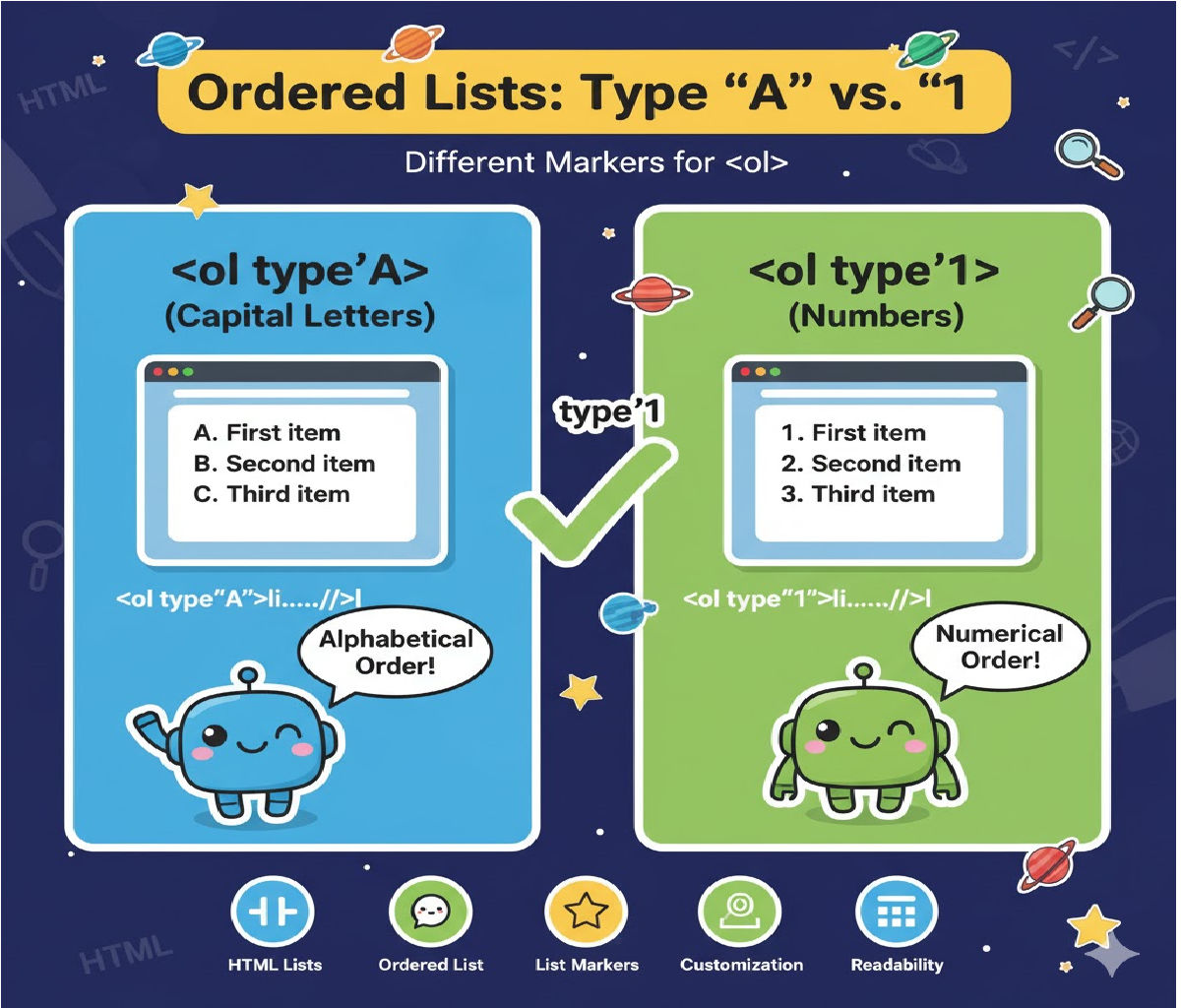
The type attribute in an ordered list (<ol>) controls the numbering style of the list items.
✔ <ol type="A"> → UPPERCASE LETTERS
Example numbering: A, B, C, D…
✔ <ol type="1"> → NUMBERS
Example numbering: 1, 2, 3, 4…
So the difference is only in how the list items are labeled.
⭐ Detailed Explanation
1. <ol type="A"> — Alphabetical Ordered List (Uppercase)
- Uses capital letters for numbering.
- Useful when you want sections labeled A, B, C…
(like exams, step categories, or outlines).
🧩 Example: <ol type="A">
<ol type="A">
  <li>Introduction</li>
  <li>Methodology</li>
  <li>Results</li>
  <li>Conclusion</li>
</ol>
Output:
A. Introduction
B. Methodology
C. Results
D. Conclusion
2. <ol type="1"> — Numeric Ordered List (Default)
- Uses numbers for the list items.
- This is the default numbering style for ordered lists.
- Used for steps, instructions, sequences, etc.
🧩 Example: <ol type="1">
<ol type="1">
  <li>Step One</li>
  <li>Step Two</li>
  <li>Step Three</li>
  <li>Step Four</li>
</ol>
Output:
- Step One
- Step Two
- Step Three
- Step Four
📝Deep Concept & Practical Usage
📌 1. The type attribute controls the numbering style only
It does not affect:
- indentation
- spacing
- hierarchy
- list behavior
Only how the items are labeled.
📌 2. Available values for the type attribute in <ol>
Here are ALL valid types:
| Type | Numbering Style |
|---|---|
"1" | Numeric (1, 2, 3) |
"A" | Uppercase letters (A, B, C) |
"a" | Lowercase letters (a, b, c) |
"I" | Uppercase Roman numerals (I, II, III) |
"i" | Lowercase Roman numerals (i, ii, iii) |
📌 3. Browser Support
The type attribute is supported in all browsers and requires no CSS.
📌 4. Default Values
- If you omit
type, the browser uses"1"numbering.
Example:
<ol>
  <li>Item</li>
</ol>
Same as:
<ol type="1">
  <li>Item</li>
</ol>
📌 5. You can combine with start=""
Set a custom starting value:
<ol type="A" start="3">
  <li>Item</li>
  <li>Item</li>
</ol>
Output:
C. Item
D. Item
📌 6. Good Use Cases
Use <ol type="A"> when:
- Creating sections of an outline
- Exam questions
- Document chapters
- Non-step-based lists with alphabetical labeling
Use <ol type="1"> when:
- Step-by-step instructions
- Procedures
- Recipes
- Tutorials
🎉 Summary
✨ <ol type="A">
Creates A, B, C, D… ordered list.
✨ <ol type="1">
Creates 1, 2, 3, 4… ordered list (default).
Both define the numbering style, but not the structure or behavior of the list.
Related Posts





