How do you embed an audio file that plays automatically but remains muted by default?
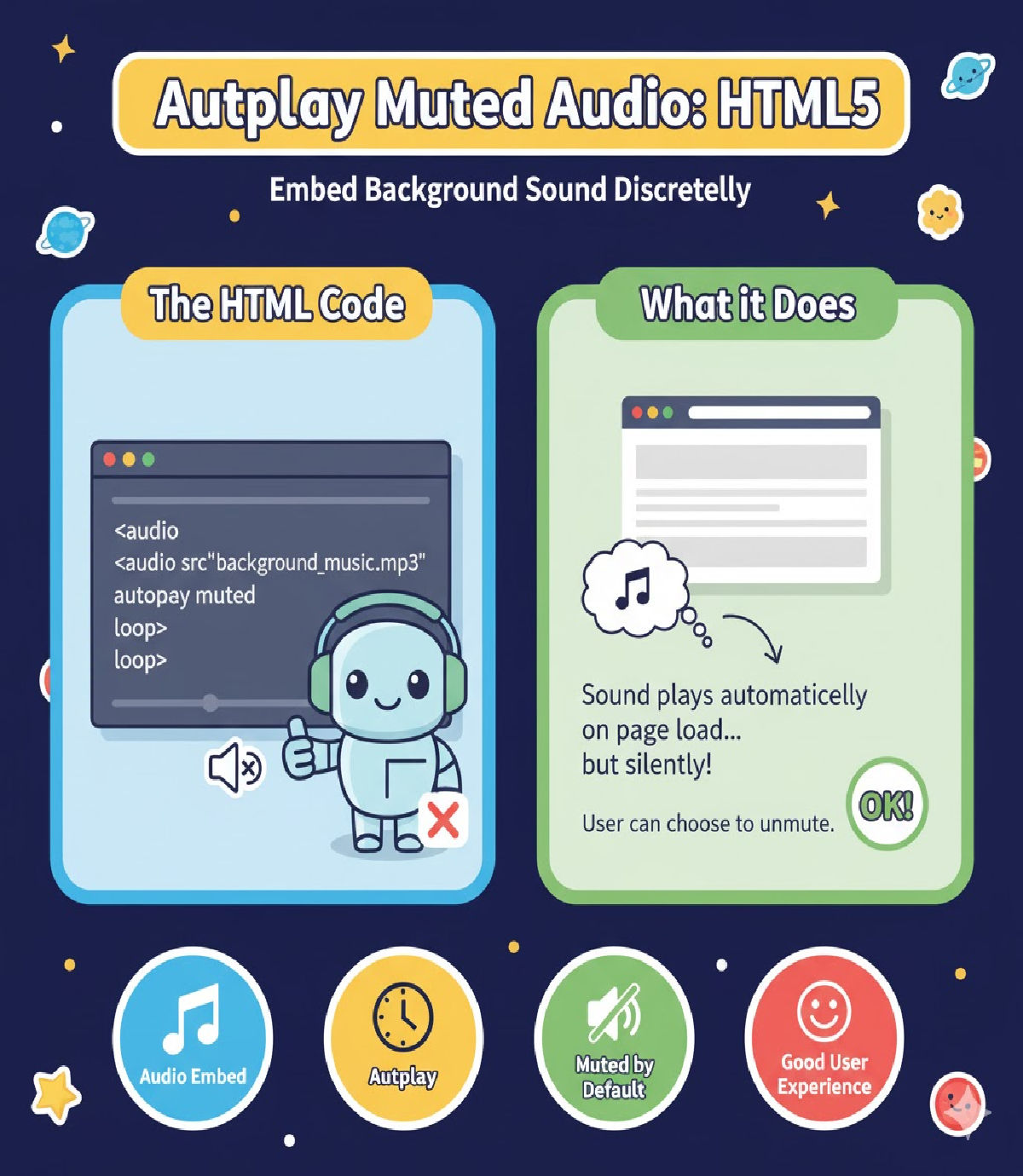
Explaining how to embed an audio file that plays automatically but remains muted by default — including concept, reasons, browser behavior, best practices, and code examples.
🔊 How Do You Embed an Audio File That Plays Automatically but Remains Muted by Default?
In modern HTML5 websites, there are situations where developers want background music or sound effects to start automatically as soon as a webpage loads. However, due to strict browser policies, most browsers block autoplaying audio with sound to prevent a poor user experience.
To solve this, HTML5 provides a compliant and user-friendly way:
✔ Audio can autoplay only if it is muted by default.
This means you can embed an audio file to:
- Start playing immediately after the webpage loads
- Continue looping if required
- Not disturb the user with sudden sound
- Give the user the option to unmute manually
This helps balance background audio + user comfort.
🔍 Why Browsers Require Muted Autoplay
All modern browsers (Chrome, Firefox, Safari, Edge) have policies that block autoplay with audio because:
- Unexpected sound irritates users
- It affects accessibility
- It leads to bad user experience on mobile devices
So to make autoplay work, the audio must include the muted attribute.
✔ Correct HTML Code Example
<audio src="background_music.mp3" autoplay muted loop></audio>
🔎 Attribute Breakdown
| Attribute | Purpose |
|---|---|
src | Path to the audio file |
autoplay | Starts playing audio automatically on page load |
muted | Mutes audio by default (required for autoplay to work) |
loop | Repeats audio continuously |
🧠 Adding Controls for User Interaction (Optional)
You can allow users to pause or unmute the music:
<audio src="background_music.mp3" autoplay muted loop controls></audio>
This adds the built-in audio player UI so users can play, pause, or adjust volume.
🎯 Example With Multiple File Sources for Browser Support
<audio autoplay muted loop controls>
  <source src="music.mp3" type="audio/mpeg">
  <source src="music.ogg" type="audio/ogg">
  Your browser does not support HTML5 audio.
</audio>
This ensures the audio works across all major browsers.
📝 Best Practices for Muted Autoplay Audio
| Good Practice | Why it matters |
|---|---|
| Always start audio muted | Required by browsers + good for UX |
| Give users control | Users should decide if they want to listen |
| Keep file size small | Faster load, especially on mobile |
| Use loop only when required | Background tracks shouldn’t cause annoyance |
| Use pleasant/smooth audio | Avoid sudden distracting effects |
⚠ Common Mistakes Developers Make
| Mistake | Result |
|---|---|
Using only autoplay without muted | Audio will NOT autoplay |
| Using autoplay on large audio files | Delay might interrupt playback |
| Hiding player without mute control | Users can’t stop unwanted playback |
Example of wrong code:
<audio src="sound.mp3" autoplay></audio>
🚫 Audio will NOT autoplay in most browsers.
📌 Summary
To embed an audio file that plays automatically without disturbing the user:
🔹 Use the <audio> tag
🔹 Include autoplay muted (required)
🔹 Optionally include controls and loop
⭐ Final recommended code:
<audio src="background_music.mp3" autoplay muted loop controls></audio>
Related Posts





