How do you create an anchor link that jumps to a specific section on the same page?
By GetItFully••7 min read
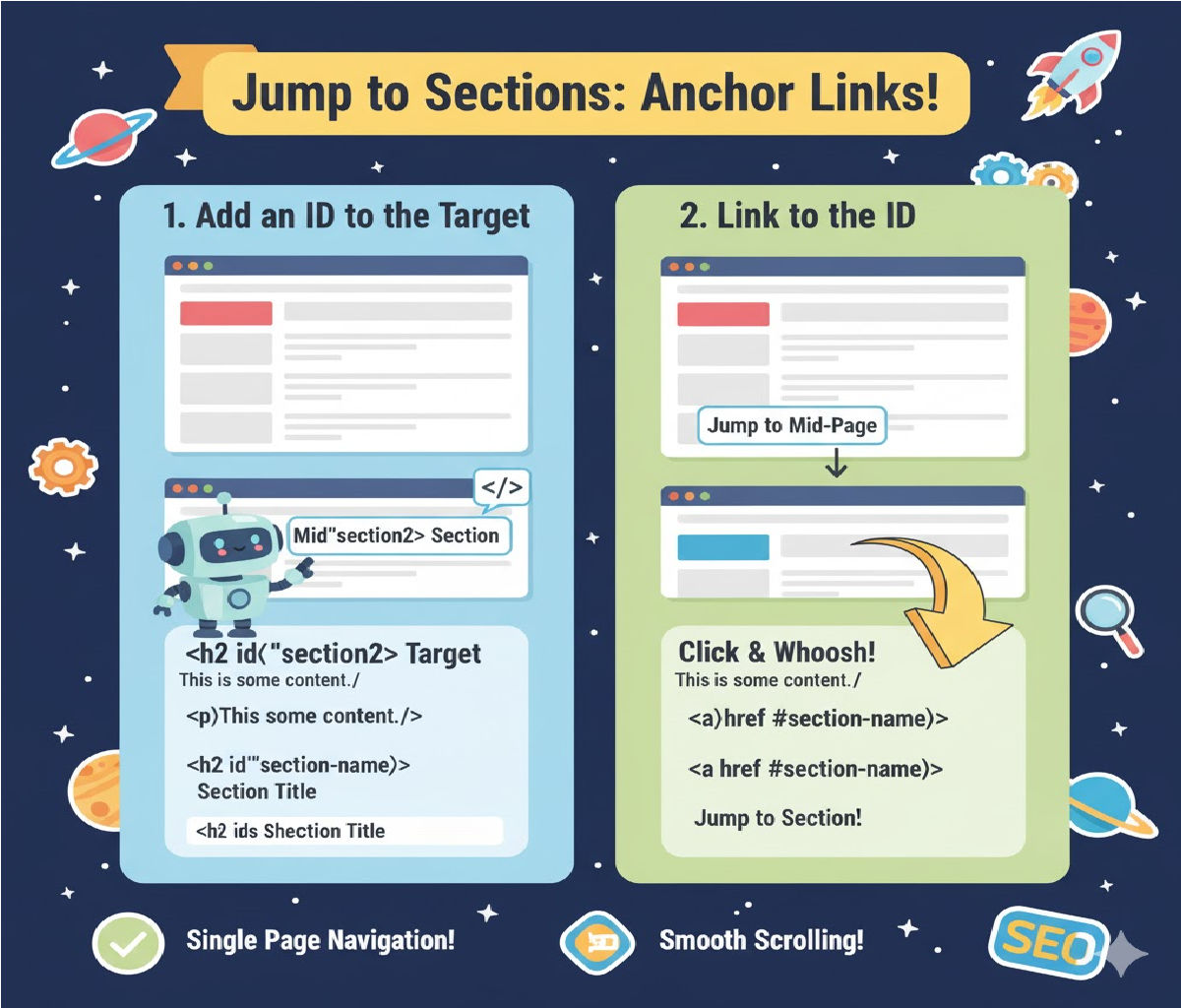
To create an anchor link that jumps to a specific section on the same page, you use:
- An anchor link (
<a href="#idName">) - A target section with an ID (
id="idName")
✅ HTML Example (Simple Anchor Link)
<!DOCTYPE html>
<html>
<head>
    <title>Anchor Link Example</title>
</head>
<body>

<!-- Anchor Link -->
<a href="#section2">Go to Section 2</a>

<h1>Section 1</h1>
<p>This is the first section of the page.</p>

<!-- Target Section -->
<h2 id="section2">Section 2</h2>
<p>You have jumped to Section 2!</p>

</body>
</html>
✅ Smooth Scrolling (Optional, CSS Only)
Add this CSS to enable smooth scrolling:
html {
  scroll-behavior: smooth;
}
🔥 Another Example With a Button
<button onclick="location.href='#contact'">Jump to Contact Section</button>

<div style="height: 800px;"></div>

<h2 id="contact">Contact Section</h2>
<p>This is the contact area.</p>
🎯 How It Works
| Tag | Purpose |
|---|---|
<a href="#sectionID"> | Creates the clickable link |
id="sectionID" | Marks where the page should scroll |
Related Posts





