How do you create a nested list (a list inside another list) in HTML?
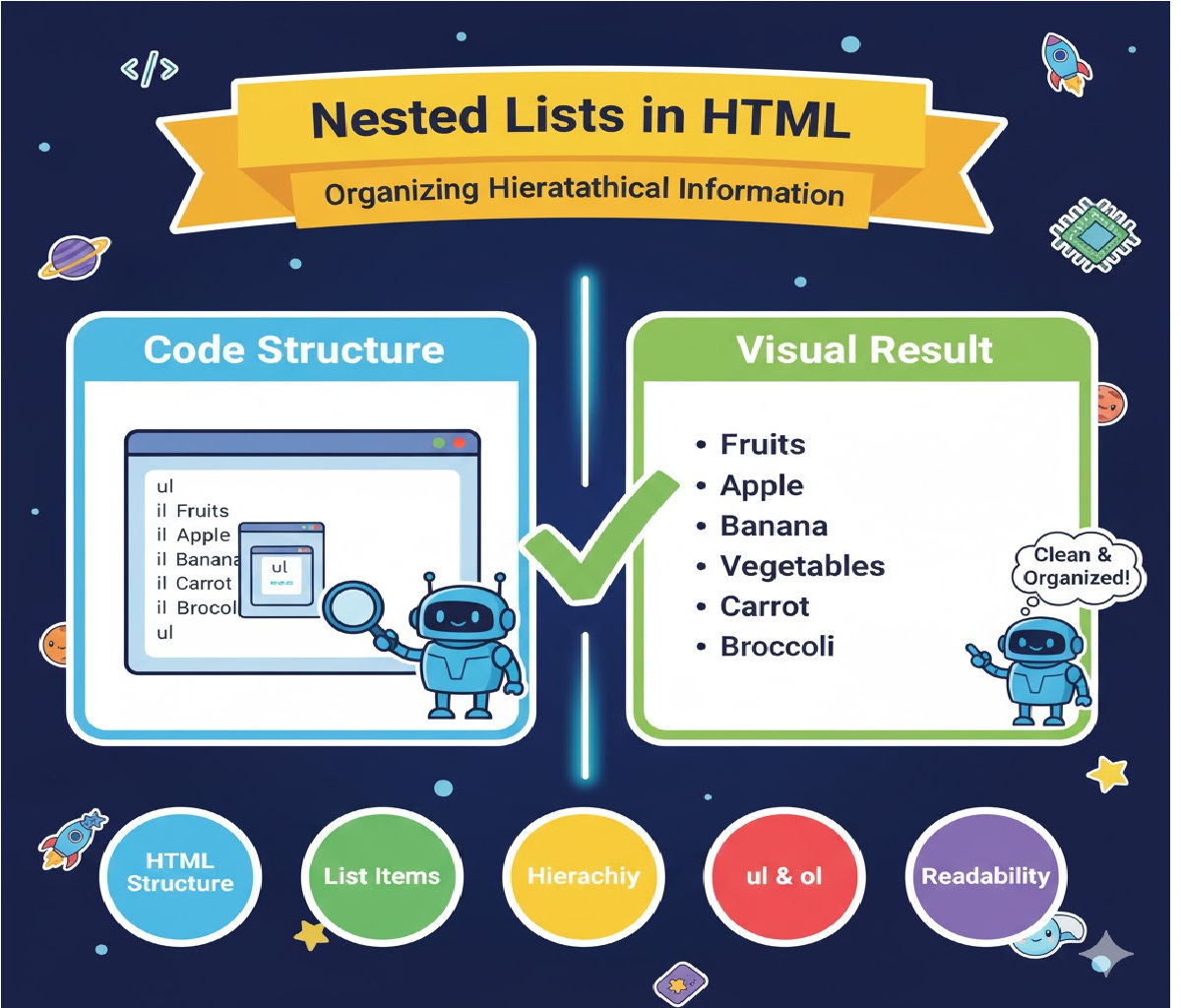
How to create nested lists (lists inside another list) in HTML, along with example code.
✅ How Do You Create a Nested List in HTML?
A nested list means placing one list inside another list item.
You can nest:
✔ Unordered list inside unordered list
✔ Ordered list inside ordered list
✔ Ordered list inside unordered list
✔ Unordered list inside ordered list
HTML allows any list (<ul> or <ol>) to be placed inside an <li> tag.
This is how you create multi-level structured content such as menus, outlines, and categories.
⭐ Basic Rule
To create a nested list:
👉 Place a new <ul> or <ol> inside an <li> tag.
Example structure:
<ul>
  <li>Parent Item
    <ul>
      <li>Child Item</li>
    </ul>
  </li>
</ul>
🧩 Full Example: Nested Unordered List
<ul>
  <li>Fruits
    <ul>
      <li>Apple</li>
      <li>Mango</li>
      <li>Banana</li>
    </ul>
  </li>
  <li>Vegetables
    <ul>
      <li>Potato</li>
      <li>Onion</li>
      <li>Tomato</li>
    </ul>
  </li>
</ul>
🧩 Nested Ordered List Example
<ol>
  <li>Frontend Development
    <ol>
      <li>HTML</li>
      <li>CSS</li>
      <li>JavaScript</li>
    </ol>
  </li>

  <li>Backend Development
    <ol>
      <li>Node.js</li>
      <li>Python</li>
      <li>Java</li>
    </ol>
  </li>
</ol>
🧩 Mixing Ordered + Unordered Lists
Example: Unordered list → ordered list nested inside
<ul>
  <li>Countries
    <ol>
      <li>India</li>
      <li>USA</li>
      <li>Japan</li>
    </ol>
  </li>

  <li>Languages
    <ol>
      <li>English</li>
      <li>Hindi</li>
      <li>Spanish</li>
    </ol>
  </li>
</ul>
💡 Important Notes
📌 1. Only nest lists inside <li> tags
You must never place a <ul> or <ol> directly inside a <ul> without an <li> wrapper.
❌ Wrong:
<ul>
  <ul>
    <li>Item</li>
  </ul>
</ul>
✔ Correct:
<ul>
  <li>
    <ul>
      <li>Item</li>
    </ul>
  </li>
</ul>
📌 2. Browsers automatically indent nested lists
Nested lists get:
- Additional left padding
- A different bullet style (circle, square, etc.)
You can customize bullets using CSS if needed.
📌 3. Nested lists help build structured content
Useful for:
- Table of contents
- Multi-level menus
- Explanation hierarchy
- Product categories
- Formatted documentation
📌 4. Accessibility Matters
Use proper nesting to ensure screen readers understand the hierarchy.
🎉 Short Summary
To create a nested list in HTML, place a <ul> or <ol> inside an <li> of another list.
This creates multi-level lists that help organize content clearly.
Related Posts





