How do you create a line break and paragraph together for clean spacing?
By GetItFully••7 min read
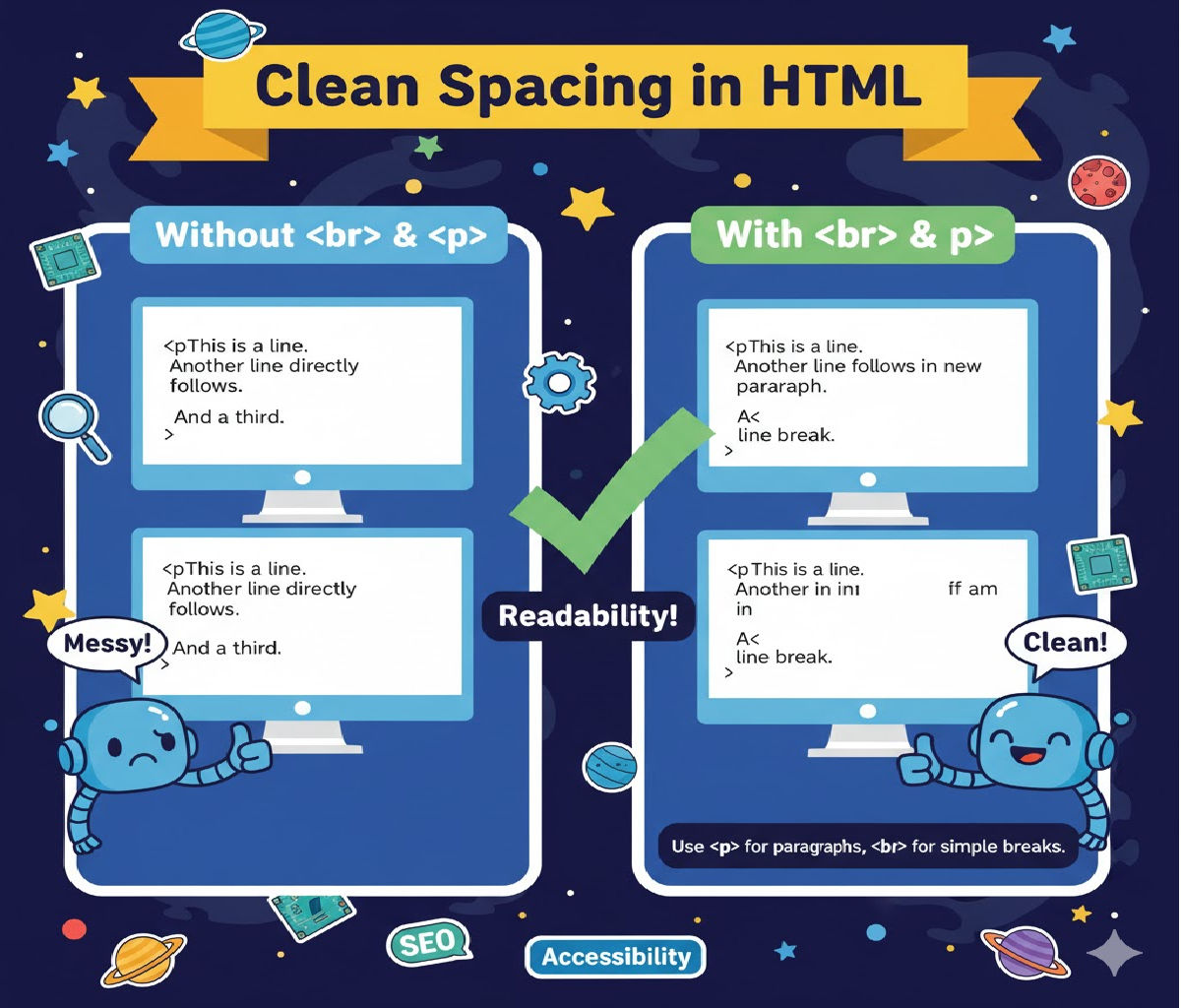
Here is the cleanest and most recommended way to create a line break + paragraph spacing together in HTML, with proper code examples and explanation.
✅ Best Practice: Use <p> for paragraphs, not multiple <br> tags
✔ Clean, semantic, SEO-friendly
✔ Correct spacing on all browsers
✅ Example: Line Break + New Paragraph
<p>
  This is the first paragraph.<br>
  Here is a manual line break inside the same paragraph.
</p>

<p>
  This is a new paragraph with clean spacing.
</p>
📌 Explanation
<br>→ Adds one line break inside the same paragraph.<p>→ Automatically adds top & bottom spacing, creating a clean paragraph.
So the combination means:
Use
<br>only inside a paragraph — not between paragraphs.
Use<p>to create a new paragraph with proper spacing.
🔥 If you want extra spacing between paragraphs
Option 1: CSS margin
<style>
  p {
    margin-bottom: 18px;
  }
</style>

<p>First paragraph.</p>

<p>Second paragraph with extra spacing.</p>
Option 2: Add 2 line breaks (not recommended but works)
First line.<br><br>
Next paragraph-like text.
Use only when you don’t want to use <p> tags.
⭐ Recommended Approach
Always use:
✔ <p>…</p> for paragraphs
✔ <br> for line breaks within a paragraph
✔ Use CSS for spacing—not repeated <br> tags
Related Posts





