What is the purpose of the <figure> and <figcaption> elements?<figure> <figcaption> </figcaption></figure>
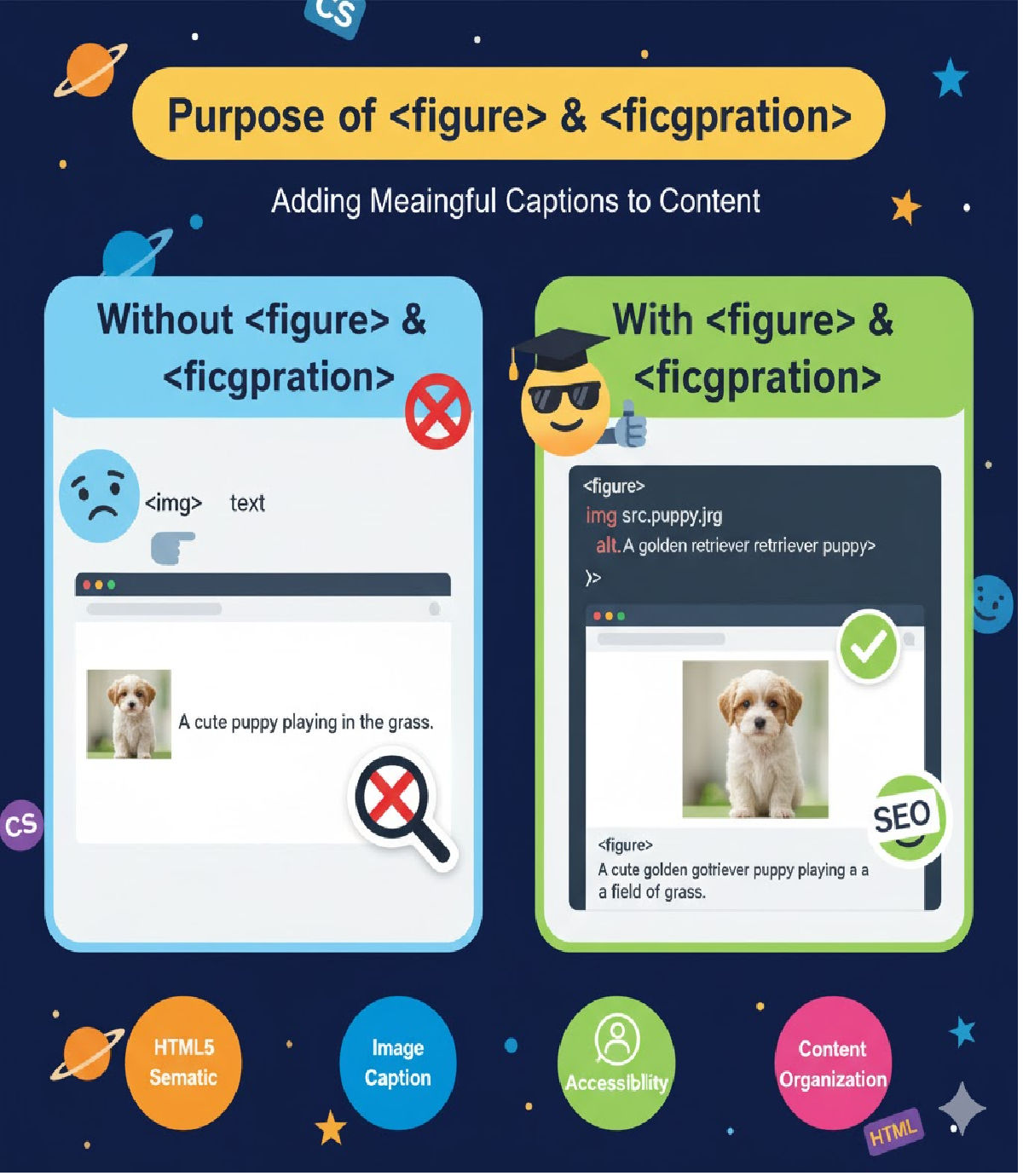
The purpose of <figure> and <figcaption> elements along with examples and best practices.
📌 What is the purpose of the <figure> and <figcaption> elements?
The <figure> and <figcaption> elements are part of HTML5 semantic markup. They are used to add self-contained visual or media content along with an optional caption that clearly explains the content.
🔹 <figure> Element
The <figure> tag is used to wrap media content such as:
- Images
- Diagrams
- Graphs
- Code snippets
- Illustrations
- Embedded videos or charts
A <figure> element is independent and self-contained, which means it can be moved anywhere in the page without affecting the meaning of the content.
🔹 <figcaption> Element
The <figcaption> tag provides a caption or description for the content inside <figure>.
It helps users—including those using assistive technologies like screen readers—understand what the media represents.
🧠 Why <figure> and <figcaption> are important?
| Benefit | Explanation |
|---|---|
| Improves Accessibility | Screen readers can understand the context of the media |
| Enhances SEO | Google indexes captions and descriptions to understand multimedia |
| Better Semantics | Improves structure and meaning of the webpage |
| User Understanding | Users know what the image/chart/code snippet represents |
| Supports Responsiveness | Media content remains grouped for styling |
✅ Syntax Example — Image with Caption
<figure>
  <img src="sunset.jpg" alt="Beautiful sunset over the ocean">
  <figcaption>A breathtaking sunset captured from the west coast beach in summer.</figcaption>
</figure>
🔍 Explanation
- The image is wrapped inside
<figure> - The caption inside
<figcaption>gives meaning to the image - Even if the figure is placed elsewhere on the page (sidebar, popup), the caption stays logically connected
🧪 Example — Code Snippet with Caption
<figure>
  <pre><code>
function greet() {
  console.log("Hello World");
}
  </code></pre>
  <figcaption>JavaScript function example for printing "Hello World" in the console.</figcaption>
</figure>
🎥 Example — Embedding a Video with Caption
<figure>
  <video controls>
    <source src="wildlife.mp4" type="video/mp4">
  </video>
  <figcaption>Short documentary showing wildlife in South Africa.</figcaption>
</figure>
📝 Best Practices for <figure> and <figcaption>
| Do | Don’t |
|---|---|
Use <figcaption> to explain the media | Use it for long paragraphs of text |
| Keep the caption short and meaningful | Repeat the same text as alt attribute |
Place <figcaption> as first or last child inside <figure> | Place <figcaption> outside <figure> |
Use only one <figcaption> per <figure> | Use multiple captions for one figure |
📌 Position of <figcaption> inside <figure>
Both of the following are valid:
<figure>
  <figcaption>Caption first, then image</figcaption>
  <img src="flower.jpg" alt="Pink flower in a garden">
</figure>
<figure>
  <img src="flower.jpg" alt="Pink flower in a garden">
  <figcaption>Caption after the image</figcaption>
</figure>
🧠 Relationship between alt and figcaption
| Attribute | Purpose |
|---|---|
alt | Describes the image for accessibility and when it cannot load |
figcaption | Gives extra visible contextual information for users |
Both are recommended when adding images for accessibility and SEO.
📌 Summary
| Element | Purpose |
|---|---|
<figure> | Wraps media content and makes it self-contained |
<figcaption> | Provides a caption or explanation for the media |
Together, they improve:
- Page meaning and structure
- User experience
- Accessibility
- Search engine understanding
🚀 Final Key Takeaway
Use <figure> and <figcaption> whenever you add an image, chart, code snippet, video, or diagram that needs:
✔ Description
✔ Attribution
✔ Additional context
It makes your HTML more semantic, accessible, and SEO-friendly.
Related Posts





