What happens if you use a relative link instead of an absolute link?
By GetItFully••11 min read
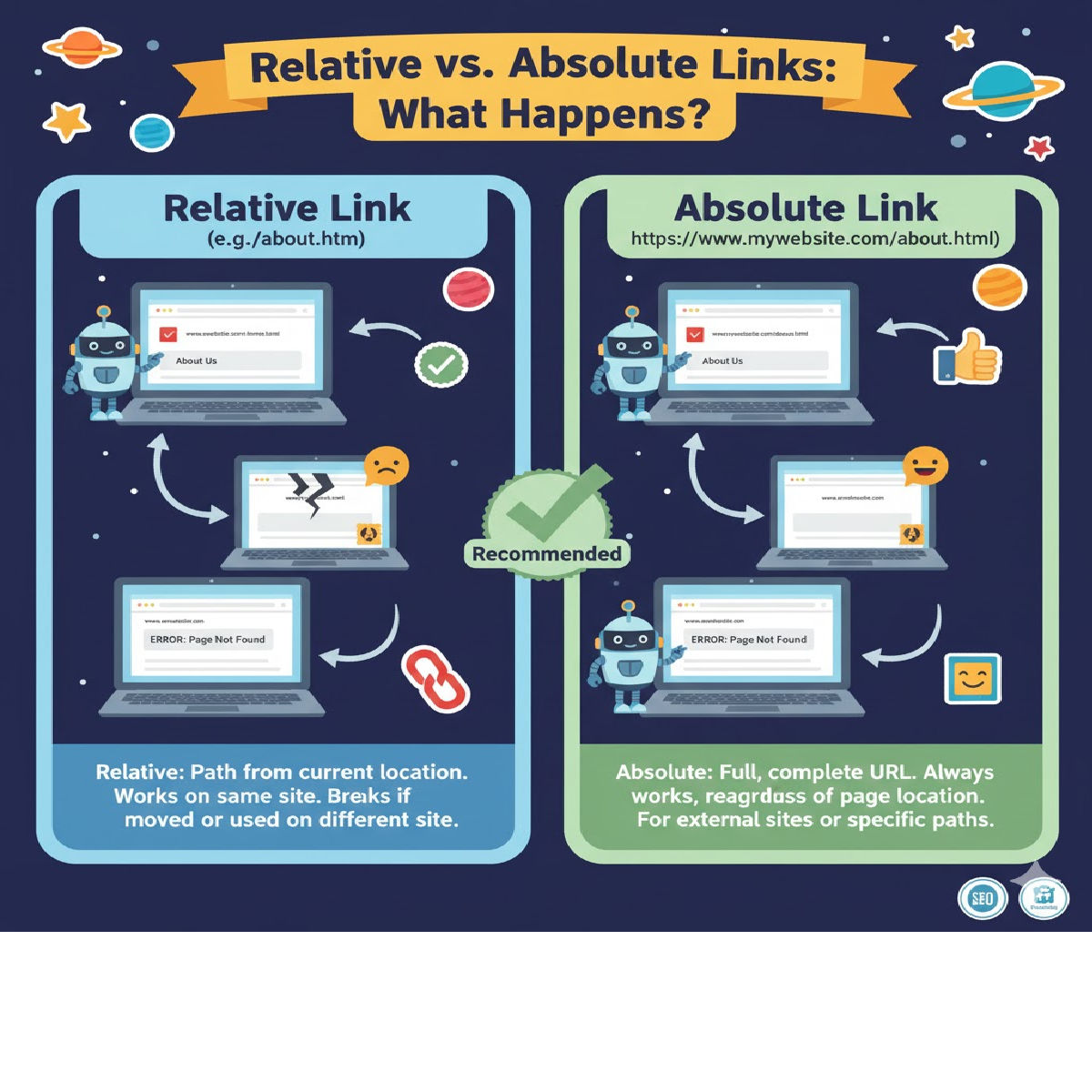
Using a relative link instead of an absolute link changes how the browser locates the target page. The behavior mainly depends on the current page's location.
✅ What Happens When You Use a Relative Link?
A relative link tells the browser to load a resource relative to the current page’s URL.
So if the base path changes, the link destination changes too.
✔ Good for
- Internal pages of the same website
- When moving website files between servers
- Shorter and cleaner URLs
❌ Not good for
- Linking to external websites
- When exact full path is required
🔍 Difference: Relative vs Absolute Link
1️⃣ Absolute Link
Full URL — works from anywhere.
<a href="https://example.com/about">About Us</a>
2️⃣ Relative Link
Depends on the current page location.
<a href="/about">About Us</a>
or
<a href="about.html">About Us</a><br>📌 Example to Understand What Happens
Suppose your current page URL is:
https://mysite.com/products/index.html
Case 1 — Relative Link: about.html
<a href="about.html">About</a>
The browser looks inside the same folder:
https://mysite.com/products/about.html
If the file isn’t there → 404 error.
Case 2 — Relative Link: ../about.html
<a href="../about.html">About</a>
This goes one folder up:
https://mysite.com/about.html
Case 3 — Absolute Link
<a href="https://mysite.com/about.html">About</a>
Always points to:
https://mysite.com/about.html
No confusion, no dependency on current location.
⭐ Summary
| Type | What Happens | Example |
|---|---|---|
| Relative Link | Path depends on the current page location | about.html, ../docs/info.html |
| Absolute Link | Always goes to the exact URL | https://example.com/about |
Related Posts





