How do you prevent a link from navigating to another page but still trigger a JavaScript function?
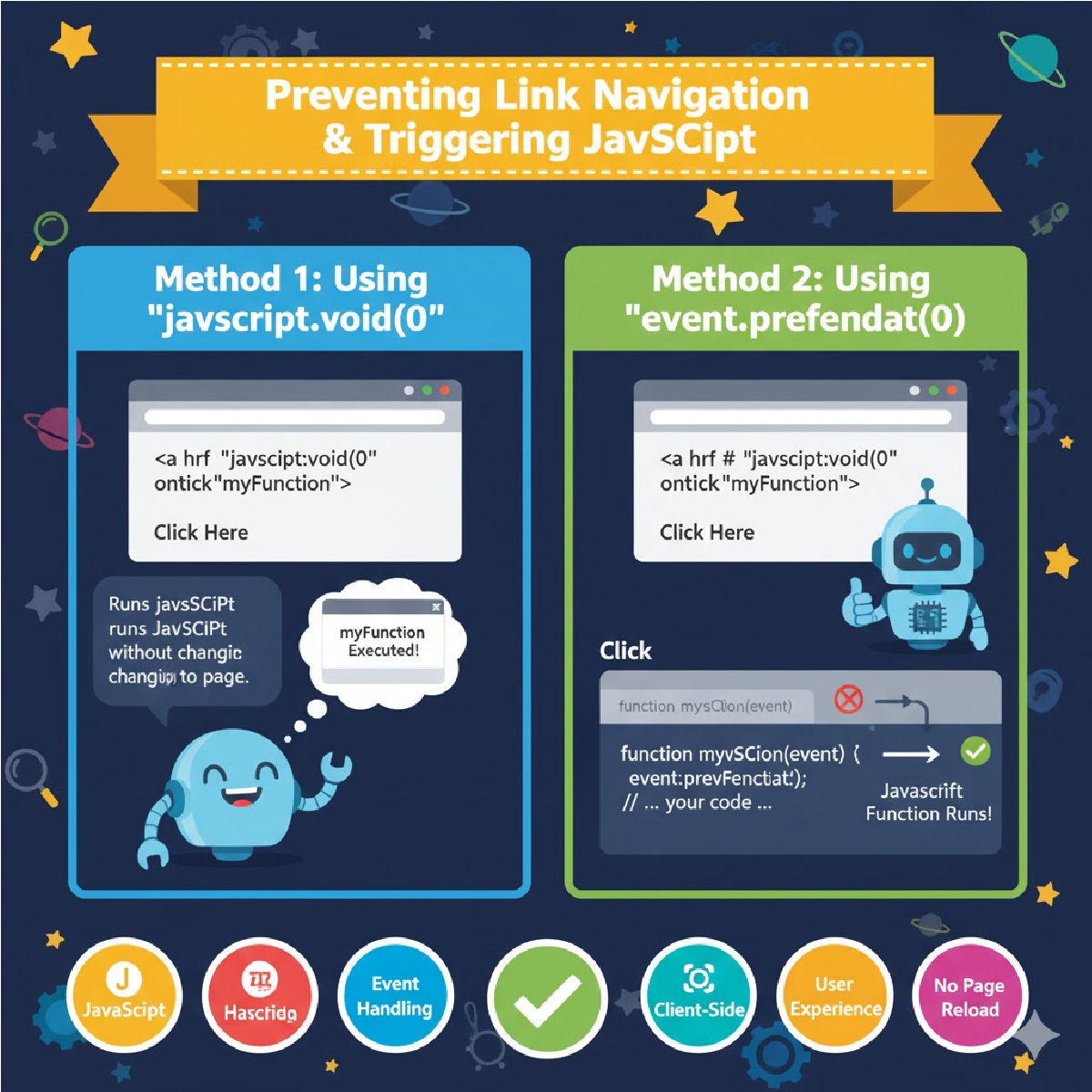
How to Prevent Link Navigation but Still Trigger JavaScript
When working with HTML links (<a> tags), the default browser behavior is to navigate to the URL in the href attribute.
However, sometimes you want a link to look and behave like a clickable link but not navigate anywhere, and instead run JavaScript code (e.g., open a modal, run validation, toggle UI, perform AJAX requests, etc.).
To achieve this, JavaScript offers multiple techniques to cancel the default link action while still executing your custom JavaScript logic.
✅ 1. Using event.preventDefault() (Best Modern Method)
This method is the cleanest and preferred approach.
You attach a JavaScript event listener to the link, intercept the click, and stop its default action.
✔ How it works
event.preventDefault() tells the browser:
“Do NOT perform the default navigation behavior of this link.”
Then you can run any JavaScript function you need.
✔ Example Code (Recommended)
<a href="https://example.com" id="myLink">Click Here</a>

<script>
document.getElementById("myLink").addEventListener("click", function(event) {
    event.preventDefault(); // Stops navigation
    myFunction();           // Your custom JS code runs normally
});

function myFunction() {
    alert("JavaScript function executed without navigation!");
}
</script>
✔ Why this is best
- Works in all modern browsers
- Keeps HTML clean
- Uses unobtrusive JavaScript
- Allows complex logic inside click handler
- Compatible with frameworks (React, Vue, Angular, Salesforce LWC)
✅ 2. Using return false; in the onclick Attribute
This method prevents navigation because return false inside an event handler cancels the default behavior.
✔ Example Code
<a href="https://example.com" onclick="myFunction(); return false;">
    Click Here
</a>

<script>
function myFunction() {
    alert("JS function executed!");
}
</script>
✔ How it works
✔ When to use
- Small projects
- Quick inline scripts
- Old systems or legacy HTML
✅ 3. Using href="javascript:void(0)"
This method uses a “fake” link that does nothing when clicked, allowing the onclick handler to run.
✔ Example Code
<a href="javascript:void(0)" onclick="showMessage()">
    Click Me
</a>

<script>
function showMessage() {
    alert("Function triggered without navigating!");
}
</script>
✔ Why this works
javascript:void(0) evaluates JavaScript but returns no navigation action.
✔ Good for
- Simple UI elements
- Preventing page reloads
- Dummy links used as buttons
📌 Comparison of All Methods
| Method | Prevents Navigation | Code Cleanliness | Best Use Case |
|---|---|---|---|
event.preventDefault() | ✔ Best | ✔✔✔ Modern & clean | App logic, frameworks, professional work |
return false; | ✔ Simple | ✔✔ Inline JS | Legacy HTML, quick scripts |
javascript:void(0) | ✔ Basic | ✔ Simple but outdated | Dummy links acting like buttons |
⭐ Best Practice Recommendation
Use:
event.preventDefault();
It is modern, readable, and works perfectly across browsers and frameworks.
🧠 Important Notes
- Never leave a link with
href="#"unless you also cancel the default behavior, because it scrolls to the top of the page. - For accessibility, consider using
role="button"if the link is not supposed to go anywhere. - Avoid relying heavily on inline JavaScript in production code.
Related Posts





