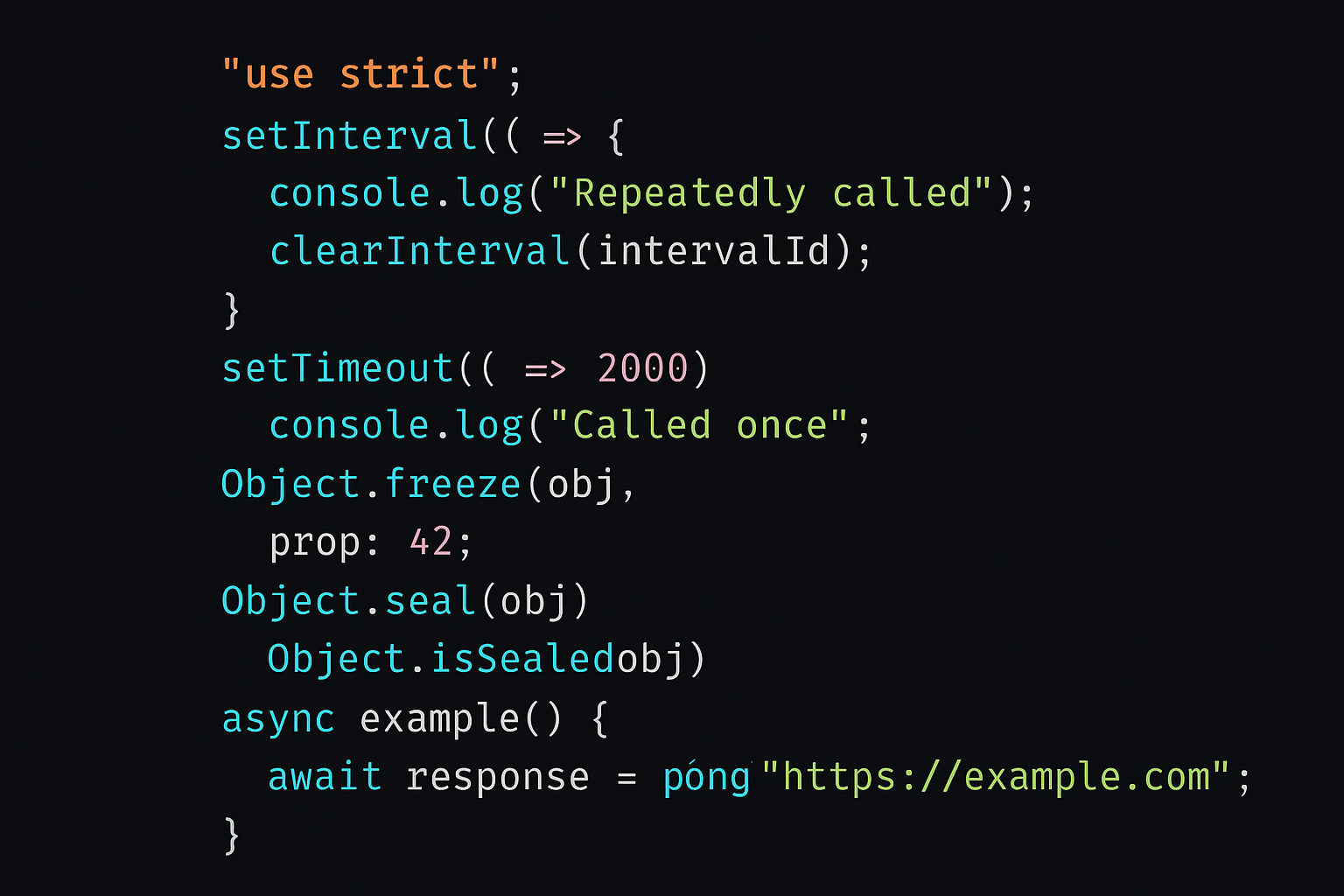
JavaScript use of `use strict`, setInterval, clearInterval(), setTimeout, Object.freeze(), Object.seal(), Object.isSealed(), async keyword, await keyword
1. use strict
Enables strict mode, which enforces stricter parsing and error handling. It helps write more secure and optimized code.
How to Use
javascript
 // Global scope
'use strict';

function myFunction() {
  x = 3.14;   // Error: x is not declared
}

 // Or in a function only
function strictFunc() {
  'use strict';
  y = 5;   // Error: y is not declared
}Key Changes in Strict Mode
javascript
'use strict';

 // 1. Variables must be declared
x = 10;   // ❌ Error

 // 2. Can't delete variables or functions
let name = "John";
delete name;   // ❌ Error

 // 3. Function parameters must be unique
function sum(a, a, c) {   // ❌ Syntax error
  return a + a + c;
}

 // 4. `eval()` doesn't create variables in local scope
eval("let z = 10");
console.log(z);   // ❌ ReferenceError

 // 5. `this` is undefined in functions
function test() {
  console.log(this);   // undefined (not global object)
}
test();2. setTimeout()
Executes a function after a specified delay (in milliseconds). Runs once.
Syntax
javascript
setTimeout(function, delay, arg1, arg2, ...);Examples
Example 1: Basic Usage
javascript
setTimeout(() => {
  console.log("This runs after 2 seconds");
}, 2000);

console.log("This runs first");
 // Output:
 // This runs first
// (after 2 seconds) This runs after 2 seconds Example 2: With Parameters
javascript
function greet(name, age) {
  console.log(`Hello ${name}, you are ${age} years old`);
}

setTimeout(greet, 1000, "Alice", 25);
// After 1 second: Hello Alice, you are 25 years oldExample 3: Cancel setTimeout
javascript
const timerId = setTimeout(() => {
  console.log("Never runs");
}, 2000);

clearTimeout(timerId);  // Cancel the timeout
console.log("Timeout cancelled");3. setInterval() and clearInterval()
setInterval() executes a function repeatedly at a specified interval. clearInterval() stops it.
Syntax
javascript
const intervalId = setInterval(function, interval, arg1, arg2, ...);
clearInterval(intervalId);Examples
Example 1: Basic Interval
javascript
let count = 0;

const intervalId = setInterval(() => {
  count++;
  console.log("Count: " + count);
}, 1000);

 // After 5 seconds, clear the interval
setTimeout(() => {
  clearInterval(intervalId);
  console.log("Interval stopped");
}, 5000);

 // Output:
 // Count: 1
 // Count: 2
 // Count: 3
 // Count: 4
 // Count: 5
// Interval stopped Example 2: Countdown Timer
javascript
let seconds = 10;

const countdown = setInterval(() => {
  console.log(seconds + " seconds remaining");
  seconds--;

  if (seconds < 0) {
    clearInterval(countdown);
    console.log("Time's up!");
  }
}, 1000);Example 3: Updating DOM
javascript
let time = 0;

const timer = setInterval(() => {
  time++;
  document.getElementById("timer").innerText = time;
}, 1000);

// Stop after button click
document.getElementById("stopBtn").addEventListener("click", () => {
  clearInterval(timer);
});4. Object.freeze()
Freezes an object, preventing any modifications (add, delete, or modify properties).
Syntax
javascript
Object.freeze(obj);Examples
Example 1: Basic Freeze
javascript
const person = { name: "John", age: 30 };
Object.freeze(person);

person.name = "Jane";         // ❌ Fails silently (or throws error in strict mode)
person.email = "john@test.com";   // ❌ No effect
delete person.age;            // ❌ No effect

console.log(person); // { name: "John", age: 30 } (unchanged) Example 2: Check if Frozen
javascript
const obj = { id: 1 };
Object.freeze(obj);

console.log(Object.isFrozen(obj)); // trueExample 3: Deep Freeze (Nested Objects)
javascript
const config = {
  database: { host: "localhost", port: 5432 },
  debug: true
};

Object.freeze(config);
config.database.host = "remote.com";   // ✅ Still works! (shallow freeze)

console.log(config);   // { database: { host: "remote.com" }, debug: true }

 // Solution: Deep freeze
function deepFreeze(obj) {
  Object.freeze(obj);
  Object.values(obj).forEach(value => {
    if (typeof value === "object" && value !== null) {
      deepFreeze(value);
    }
  });
  return obj;
}

const config2 = {
  database: { host: "localhost", port: 5432 }
};

deepFreeze(config2);
config2.database.host = "remote.com";   // ❌ No effect now
console.log(config2.database.host); // "localhost" 5. Object.seal()
Seals an object, allowing modification of existing properties but preventing adding or deleting properties.
Syntax
javascript
Object.seal(obj);Examples
Example 1: Seal vs Freeze
javascript
const user = { name: "Alice", age: 25 };
Object.seal(user);

 // ✅ Modify existing properties
user.name = "Bob";
user.age = 30;

 // ❌ Add new property
user.email = "bob@test.com";   // No effect

 // ❌ Delete property
delete user.age;   // No effect

console.log(user); // { name: "Bob", age: 30 } Example 2: Seal vs Freeze Comparison
javascript
const obj1 = { x: 1 };
const obj2 = { x: 1 };

Object.freeze(obj1);
Object.seal(obj2);

obj1.x = 2;   // ❌ Can't modify (frozen)
obj2.x = 2;   // ✅ Can modify (sealed)

obj1.y = 3;   // ❌ Can't add (frozen)
obj2.y = 3;   // ❌ Can't add (sealed)

console.log(obj1);   // { x: 1 }
console.log(obj2); // { x: 2 } 6. Object.isSealed()
Checks if an object is sealed.
Syntax
javascript
Object.isSealed(obj);Example
javascript
const product = { name: "Laptop", price: 1000 };

console.log(Object.isSealed(product));   // false

Object.seal(product);

console.log(Object.isSealed(product));   // true

 // Related methods
console.log(Object.isFrozen(product));   // false
console.log(Object.isExtensible(product)); // false 7. async Keyword
Declares an asynchronous function that always returns a Promise. Allows use of await inside it.
Syntax
javascript
async function functionName() {
    // code
}Examples
Example 1: Basic Async Function
javascript
async function sayHello() {
  return "Hello!";
}

sayHello().then(result => {
  console.log(result);   // "Hello!"
});

 // or with await
(async () => {
  const result = await sayHello();
  console.log(result);   // "Hello!"
})();Example 2: Async with Promise
javascript
function fetchUser(id) {
  return new Promise((resolve) => {
    setTimeout(() => {
      resolve({ id, name: "John" });
    }, 2000);
  });
}

async function getUser() {
  console.log("Fetching user...");
  const user = await fetchUser(1);
  console.log("User:", user);
  return user;
}

getUser();
 // Output:
 // Fetching user...
// (after 2 seconds) User: { id: 1, name: "John" } 8. await Keyword
Pauses execution until a Promise is resolved. Can only be used inside async functions.
Syntax
javascript
const result = await promise;Examples
Example 1: Await Multiple Promises
javascript
async function getUserPosts(userId) {
   // Sequential execution
  const user = await fetchUser(userId);      // Wait 1 sec
  const posts = await fetchPosts(userId);    // Wait 1 sec

  console.log(user, posts);
  return { user, posts };
}

// Total time: ~2 seconds Example 2: Parallel with Promise.all()
javascript
async function getUserData(userId) {
   // Parallel execution
  const [user, posts, comments] = await Promise.all([
    fetchUser(userId),
    fetchPosts(userId),
    fetchComments(userId)
  ]);

  return { user, posts, comments };
}

// Total time: ~1 second (all execute simultaneously) Example 3: Error Handling
javascript
async function getData() {
  try {
    const response = await fetch("https://api.example.com/data");
    const data = await response.json();
    console.log(data);
  } catch (error) {
    console.log("Error:", error.message);
  }
}

getData();Example 4: Practical Fetch Example
javascript
async function fetchUserData(userId) {
  try {
    const response = await fetch(`https://jsonplaceholder.typicode.com/users/${userId}`);

    if (!response.ok) {
      throw new Error("User not found");
    }

    const user = await response.json();
    console.log("User:", user);
    return user;
  } catch (error) {
    console.error("Error fetching user:", error);
  }
}

fetchUserData(1);Complete Real-World Example
javascript
'use strict';

 // API call with async/await
async function fetchAndDisplayUsers() {
  try {
    const response = await fetch('https://jsonplaceholder.typicode.com/users');
    const users = await response.json();

     // Seal the users array to prevent modifications
    const userList = Object.seal([...users]);

     // Display users with interval
    let index = 0;
    const intervalId = setInterval(() => {
      if (index < userList.length) {
        console.log(userList[index]);
        index++;
      } else {
        clearInterval(intervalId);
      }
    }, 1000);

  } catch (error) {
    console.error('Error:', error);
  }
}

fetchAndDisplayUsers();

 // Freeze configuration
const CONFIG = {
  API_URL: 'https://api.example.com',
  TIMEOUT: 5000
};

Object.freeze(CONFIG);
// CONFIG.TIMEOUT = 10000; // ❌ No effect Summary Table
| Feature | Purpose | Key Use Case |
| use strict | Enable strict mode | Better error detection |
| setTimeout() | Execute once after delay | One-time delayed action |
| setInterval() | Execute repeatedly | Recurring tasks, timers |
| clearInterval() | Stop interval | Stop timer/loop |
| Object.freeze() | Prevent all changes | Immutable constants |
| Object.seal() | Allow edits, prevent add/delete | Protected object structure |
| Object.isSealed() | Check if sealed | Verify object state |
| async | Declare async function | Handle asynchronous code |
| await | Wait for Promise | Cleaner async syntax |
These features are essential for writing modern, efficient, and secure JavaScript code!
Related Posts