What is Modern in JavaScript
By GetItFully•••100 min read

Modern JavaScript refers to JavaScript ES6 (ECMAScript 2015) and later versions, with new features and improved syntax that make coding easier, safer, and more efficient. This guide will explore What is Modern in JavaScript.
Old JavaScript vs Modern JavaScript
Old JavaScript (Pre-ES6)
javascript
// Old way - using var
var name = "John";
var age = 30;

// Function declaration
function greet() {
  return "Hello";
}

// No template literals
var message = "Hello " + name + ", you are " + age;

// Callback hell for async
function getData(callback) {
  setTimeout(function() {
    callback("data");
  }, 1000);
}Modern JavaScript (ES6+)
javascript
// Modern way - using const/let
const name = "John";
let age = 30;

// Arrow function
const greet = () => "Hello";

// Template literals
const message = `Hello ${name}, you are ${age}`;

// Async/Await for async
async function getData() {
  const data = await new Promise(resolve => {
    setTimeout(() => resolve("data"), 1000);
  });
  return data;
}Key Modern JavaScript Features
What is Modern in JavaScript
JavaScript Modern Features
1. let and const (ES6)
javascript
// Old - var has issues with scope
var x = 5;
if (true) {
  var x = 10;  // Changes outer x
}
console.log(x);  // 10 (unexpected!)

// Modern - let has block scope
let y = 5;
if (true) {
  let y = 10;  // Separate scope
}
console.log(y);  // 5 (correct!)

// const - constant, can't reassign
const PI = 3.14;
PI = 3.15; // Error!2. Arrow Functions (ES6)
javascript
// Old way
function add(a, b) {
  return a + b;
}

// Modern way - arrow function
const add = (a, b) => a + b;

// With multiple lines
const calculate = (a, b) => {
  const sum = a + b;
  return sum * 2;
};

// Single parameter - no parentheses needed
const square = x => x * x;

// No parameters
const getTime = () => new Date();3. Template Literals (ES6)
javascript
// Old way - string concatenation
const name = "Alice";
const age = 30;
const message = "Hello " + name + ", you are " + age + " years old";

// Modern way - template literals (backticks)
const message = `Hello ${name}, you are ${age} years old`;

// Multi-line strings
const html = `
  <div>
    <h1>${name}</h1>
    <p>Age: ${age}</p>
  </div>
`;

// Expressions inside
const total = `Total: $${10 + 20}`;4. Destructuring (ES6)
javascript
// Array destructuring
const colors = ["red", "green", "blue"];
const [first, second] = colors;
console.log(first);   // "red"
console.log(second);  // "green"

// Object destructuring
const person = { name: "John", age: 30, city: "NYC" };
const { name, age } = person;
console.log(name);    // "John"
console.log(age);     // 30

// Rename destructuring
const { name: fullName, age: years } = person;
console.log(fullName);  // "John"

// Default values
const { name = "Unknown", country = "USA" } = person;5. Spread Operator (ES6)
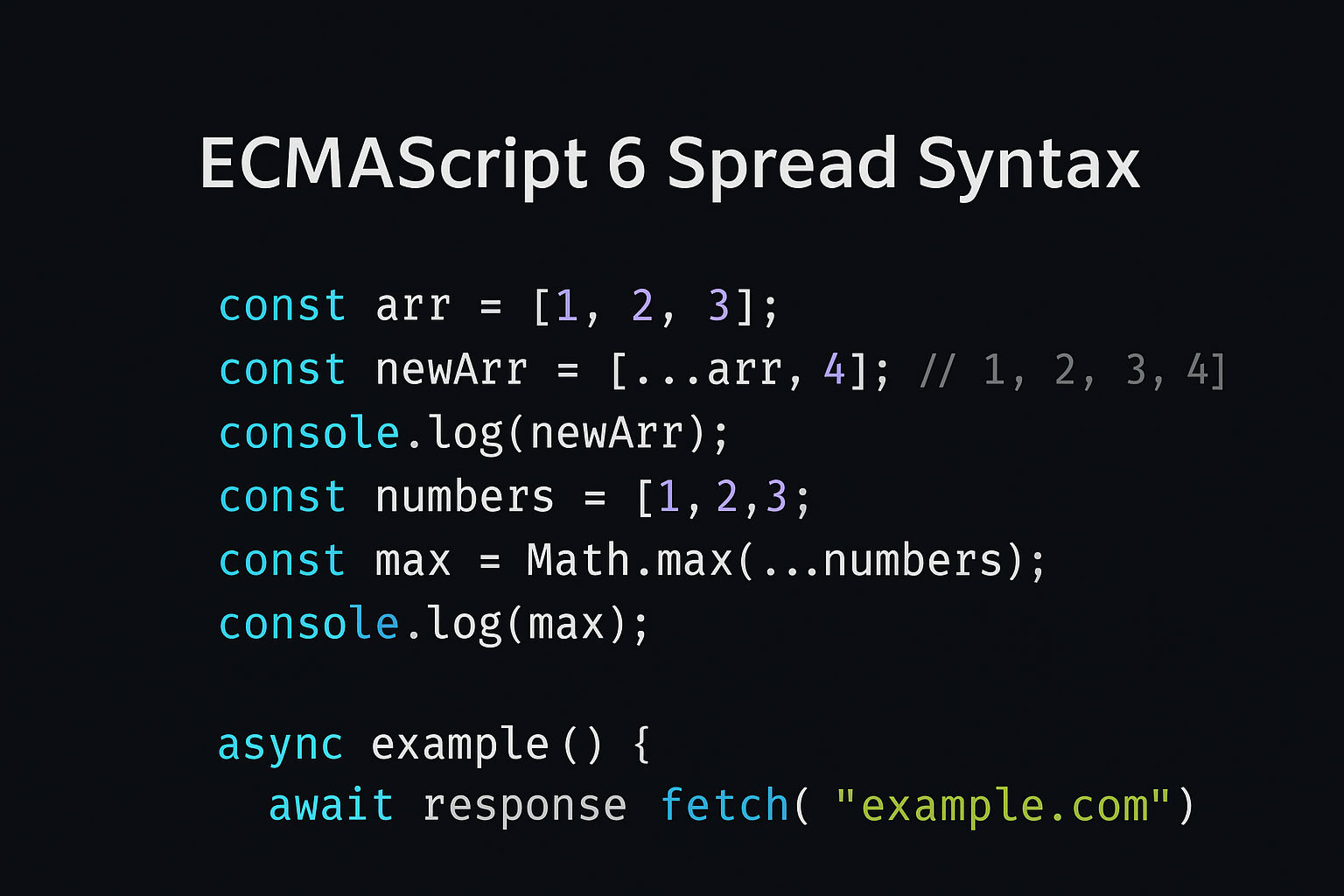
javascript
// Copy array
const arr1 = [1, 2, 3];
const arr2 = [...arr1];

// Combine arrays
const arr3 = [...arr1, ...[4, 5, 6]];
console.log(arr3);  // [1, 2, 3, 4, 5, 6]

// Copy object
const obj1 = { a: 1, b: 2 };
const obj2 = { ...obj1 };

// Merge objects
const obj3 = { ...obj1, c: 3 };

// Function arguments
const numbers = [1, 2, 3];
Math.max(...numbers); // Instead of Math.max(1, 2, 3)6. Classes (ES6)
javascript
// Old way - constructor functions
function Person(name, age) {
  this.name = name;
  this.age = age;
}

Person.prototype.greet = function() {
  return `Hello, I'm ${this.name}`;
};

// Modern way - class syntax
class Person {
  constructor(name, age) {
    this.name = name;
    this.age = age;
  }

  greet() {
    return `Hello, I'm ${this.name}`;
  }

  // Getter
  get info() {
    return `${this.name} is ${this.age} years old`;
  }

  // Static method
  static create(name, age) {
    return new Person(name, age);
  }
}

const person = new Person("Alice", 30);
console.log(person.greet()); // "Hello, I'm Alice"7. Promises (ES6)
javascript
// Modern way to handle async operations
const myPromise = new Promise((resolve, reject) => {
  setTimeout(() => {
    resolve("Success!");
  }, 1000);
});

myPromise
  .then(result => console.log(result))
.catch(error => console.log(error));8. Async/Await (ES2017)
javascript
// Modern way - cleaner async code
async function getData() {
  try {
    const response = await fetch('https://api.example.com/data');
    const data = await response.json();
    return data;
  } catch (error) {
    console.log(error);
  }
}

getData();9. Default Parameters (ES6)
javascript
// Old way
function greet(name) {
  name = name || "Guest";
  return `Hello ${name}`;
}

// Modern way
const greet = (name = "Guest") => `Hello ${name}`;

console.log(greet());           // "Hello Guest"
console.log(greet("Alice")); // "Hello Alice"10. Rest Parameters (ES6)
javascript
// Old way - arguments keyword
function sum() {
  let total = 0;
  for (let i = 0; i < arguments.length; i++) {
    total += arguments[i];
  }
  return total;
}

// Modern way - rest parameters
const sum = (...numbers) => {
  return numbers.reduce((a, b) => a + b, 0);
};

console.log(sum(1, 2, 3, 4, 5)); // 1511. Array Methods (ES6+)
javascript
const numbers = [1, 2, 3, 4, 5];

// map() - transform elements
const doubled = numbers.map(n => n * 2);
console.log(doubled);  // [2, 4, 6, 8, 10]

// filter() - select elements
const evens = numbers.filter(n => n % 2 === 0);
console.log(evens);    // [2, 4]

// reduce() - combine to single value
const sum = numbers.reduce((total, n) => total + n, 0);
console.log(sum);      // 15

// find() - first matching element
const first = numbers.find(n => n > 3);
console.log(first);    // 4

// some() - any element matches
const hasEven = numbers.some(n => n % 2 === 0);
console.log(hasEven);  // true

// every() - all elements match
const allPositive = numbers.every(n => n > 0);
console.log(allPositive); // true12. Object Methods (ES6+)
javascript
// Object.keys() - get all keys
const obj = { a: 1, b: 2, c: 3 };
console.log(Object.keys(obj));     // ['a', 'b', 'c']

// Object.values() - get all values
console.log(Object.values(obj));   // [1, 2, 3]

// Object.entries() - get key-value pairs
console.log(Object.entries(obj));  // [['a', 1], ['b', 2], ['c', 3]]

// Object.assign() - merge objects
const obj2 = Object.assign({}, obj, { d: 4 });

// Object.freeze() - prevent modifications
const frozen = Object.freeze(obj);
frozen.a = 10; // Doesn't work13. for...of Loop (ES6)
javascript
const array = ['a', 'b', 'c'];

// Old way
for (let i = 0; i < array.length; i++) {
  console.log(array[i]);
}

// Modern way - for...of
for (const item of array) {
  console.log(item);
}

// With strings
for (const char of "hello") {
  console.log(char);  // h, e, l, l, o
}14. Module System (ES6)
javascript
// Export
// math.js
export const add = (a, b) => a + b;
export const subtract = (a, b) => a - b;

export default class Calculator {
  multiply(a, b) {
    return a * b;
  }
}

// Import
import Calculator, { add, subtract } from './math.js';

console.log(add(5, 3));           // 8
console.log(subtract(5, 3));      // 2
const calc = new Calculator();
console.log(calc.multiply(5, 3)); // 1515. Optional Chaining (ES2020)
javascript
const user = {
  profile: {
    name: "John"
  }
};

// Old way - check each level
const name = user && user.profile && user.profile.name;

// Modern way - optional chaining
const name = user?.profile?.name;
console.log(name);  // "John"

// If property doesn't exist, returns undefined
const age = user?.profile?.age;
console.log(age); // undefined (no error!)16. Nullish Coalescing (ES2020)
javascript
const value = null;

// Old way - || checks for falsy values
const result = value || "default";
console.log(result);  // "default"

// Modern way - ?? only checks null/undefined
const result = value ?? "default";
console.log(result);  // "default"

// Difference with 0
const zero = 0;
console.log(zero || "default");    // "default" (0 is falsy)
console.log(zero ?? "default"); // 0 (0 is not null/undefined)Modern JavaScript Best Practices
1. Use const by Default
javascript
// Good
const name = "John";
const count = 0;

// Only use let if you need to reassign
let counter = 0;
counter++;

// Avoid var completely
var oldWay = "avoid this";2. Use Arrow Functions
javascript
// Good
const add = (a, b) => a + b;

// Avoid
const add = function(a, b) {
  return a + b;
};3. Use Template Literals
javascript
// Good
const message = `Hello ${name}, you are ${age} years old`;

// Avoid
const message = "Hello " + name + ", you are " + age + " years old";4. Use Destructuring
javascript
// Good
const { name, age } = person;

// Avoid
const name = person.name;
const age = person.age;5. Use Async/Await
javascript
// Good
async function fetchData() {
  try {
    const data = await fetch(url).then(r => r.json());
    return data;
  } catch (error) {
    console.log(error);
  }
}

// Avoid callbacks and promise chains (when possible)Modern Tools & Build Systems
Modern JavaScript uses tools for development:
| Tool | Purpose |
| npm/yarn | Package manager |
| Webpack | Module bundler |
| Babel | Transpiler (convert new JS to old) |
| ESLint | Code quality checker |
| Prettier | Code formatter |
| TypeScript | Type-safe JavaScript |
Complete Modern JavaScript Example
javascript
// Modern JavaScript example
class UserManager {
  constructor() {
    this.users = [];
  }

  // Async method
  async fetchUsers() {
    try {
      const response = await fetch('https://api.example.com/users');
      const data = await response.json();
      this.users = data;
      return data;
    } catch (error) {
      console.error('Error fetching users:', error);
    }
  }

  // Arrow function with destructuring
  addUser = (userData) => {
    const { name = 'Unknown', email = 'no-email' } = userData;
    const newUser = { id: Date.now(), name, email };
    this.users = [...this.users, newUser];
    return newUser;
  }

  // Filter users
  getAdults = () => {
    return this.users.filter(user => user.age >= 18);
  }

  // Optional chaining and nullish coalescing
  getUserInfo = (userId) => {
    const user = this.users.find(u => u.id === userId);
    return {
      name: user?.name ?? 'Unknown',
      email: user?.email ?? 'no-email'
    };
  }
}

// Usage
const manager = new UserManager();
(async () => {
  await manager.fetchUsers();
  manager.addUser({ name: 'Alice', email: 'alice@example.com', age: 25 });
  console.log(manager.getAdults());
})();Browser Support
Modern JavaScript features:
| Feature | Support | When |
| ES5 | All browsers | 2009 |
| ES6/ES2015 | Most modern browsers | 2015 |
| ES2017+ | Latest browsers | 2017+ |
| TypeScript | Via transpiler | Modern |
For older browser support, use Babel to transpile modern JS to ES5
Summary Table
| Old Way | Modern Way | Benefit |
| var | const/let | Block scope, safety |
| function() {} | () => {} | Shorter, cleaner |
| "str" + var | ${var} | Readability |
| Callbacks | async/await | Cleaner code |
| .prototype | class | Easier OOP |
| Concatenation | .map(), .filter() | Functional programming |
| if() checks | Optional chaining ?. | Safety |
Key Takeaways
✅ Modern JavaScript is:
- More readable and maintainable
- Safer with
const/let - Cleaner with arrow functions
- Better for async with
async/await - More functional with array methods
- Type-safe with TypeScript
❌ Avoid:
var(useconst/let)- Callbacks (use
async/await) - String concatenation (use template literals)
- Callback hell (use Promises)
- Old syntax (use modern syntax)
Modern JavaScript is the standard for professional development in 2025! 🚀
Related Posts