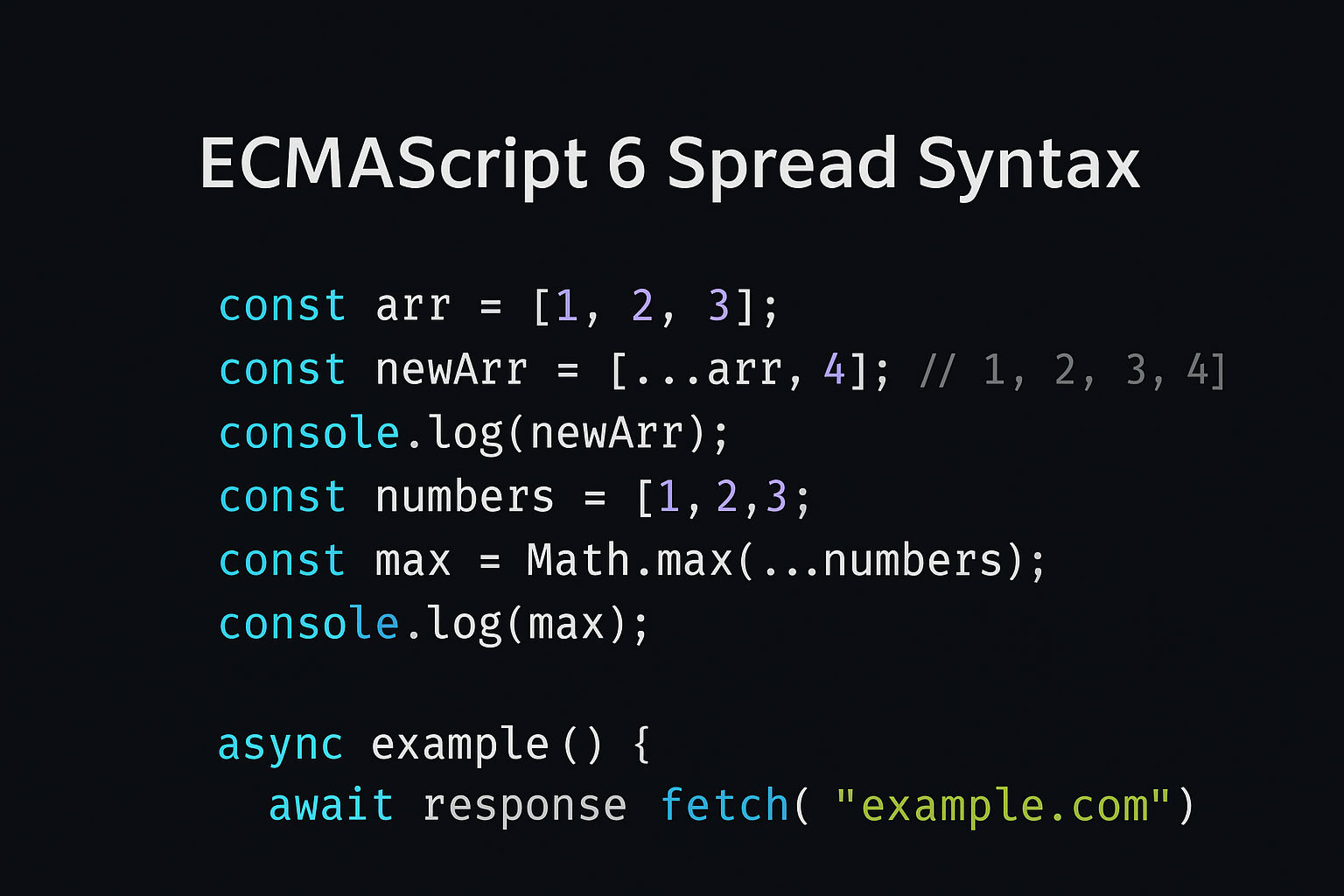
what is Asynchronous with JavaScript

Asynchronous means code that doesn't execute in a sequential order. Instead of waiting for one task to complete, JavaScript can continue executing other code while waiting for time-consuming operations to finish.
Synchronous vs Asynchronous
Synchronous (Blocking)
Code executes line by line. Each line waits for the previous to complete.
javascript
console.log("Start");

function slowTask() {
   // Simulate a 3-second task</em>
  let end = Date.now() + 3000;
  while (Date.now() < end) {}
  return "Task completed";
}

console.log(slowTask());   // Waits 3 seconds</em>
console.log("End");

 // Output:</em>
 // Start</em>
 // (waits 3 seconds)</em>
 // Task completed</em>
// End</em>Problem: The entire program is blocked for 3 seconds!
Asynchronous (Non-blocking)
Code continues executing while waiting for operations to complete.
javascript
console.log("Start");

setTimeout(() => {
  console.log("Task completed");
}, 3000);  // Wait 3 seconds

console.log("End");

// Output:
// Start
// End
// (after 3 seconds) Task completedAdvantage: The program doesn't wait - other code runs immediately!
Why We Need Asynchronous
Real-World Examples
- API Calls - Fetching data from a server (takes time)
- File Operations - Reading/writing files (takes time)
- Database Queries - Querying databases (takes time)
- Timers -
setTimeout(),setInterval()(scheduled delays) - User Events - Waiting for clicks, input, etc.
If everything was synchronous, the webpage would freeze during these operations!
How Asynchronous Works
JavaScript uses the Event Loop and Callback Queue:
- Call Stack - Executes synchronous code
- Web APIs - Handle async operations (fetch, setTimeout, etc.)
- Callback Queue - Stores callbacks waiting to execute
- Event Loop - Moves callbacks to stack when it's empty
javascript
console.log("1. Start");

setTimeout(() => {
  console.log("2. Async task");
}, 0);  // Even 0 milliseconds

console.log("3. End");

// Output:
// 1. Start
// 3. End
// 2. Async taskWhy? Even with 0ms delay, the callback goes to the queue, not the stack!
Method 1: Callbacks
A callback is a function passed as an argument, called when an async operation completes.
Basic Callback
javascript
function greeting(name, callback) {
  console.log("Hello " + name);
  callback();
}

function sayGoodbye() {
  console.log("Goodbye!");
}

greeting("Alice", sayGoodbye);

// Output:
// Hello Alice
// Goodbye!Async Callback Example
javascript
function fetchData(url, callback) {
  console.log("Fetching data...");

  setTimeout(() => {
    const data = { id: 1, name: "John" };
    callback(data);
  }, 2000);  // Simulate 2-second delay
}

fetchData("https://api.example.com/user", (data) => {
  console.log("Data received:", data);
});

console.log("Request sent");

// Output:
// Fetching data...
// Request sent
// (after 2 seconds) Data received: { id: 1, name: "John" }Callback Hell (Problem)
javascript
// Callback hell - hard to read
function task1(callback) {
  setTimeout(() => {
    console.log("Task 1 done");
    callback();
  }, 1000);
}

function task2(callback) {
  setTimeout(() => {
    console.log("Task 2 done");
    callback();
  }, 1000);
}

function task3() {
  console.log("Task 3 done");
}

// Nested callbacks - ugly!
task1(() => {
  task2(() => {
    task3();
  });
});Method 2: Promises
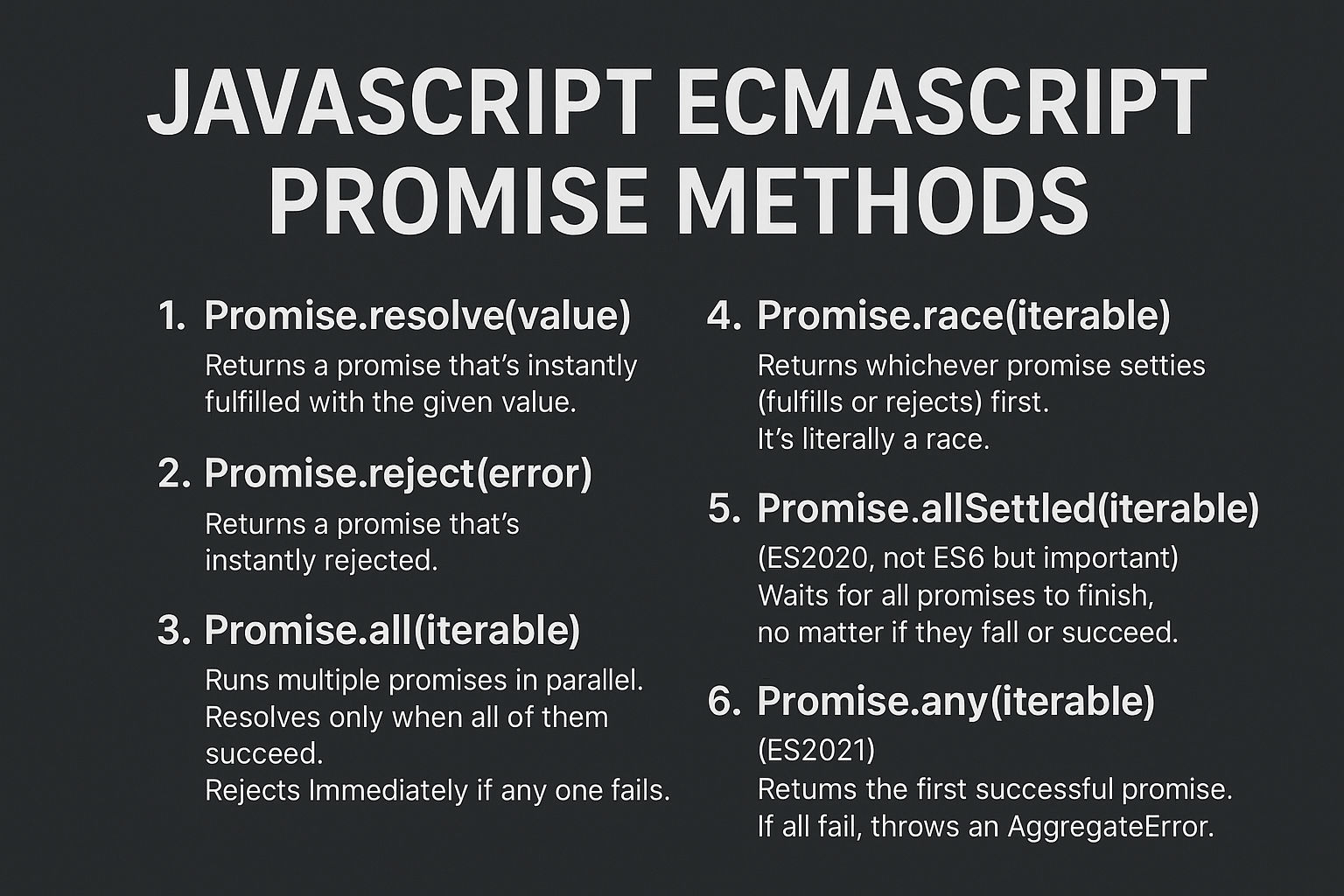
A Promise is an object that represents the eventual result of an async operation.
Promise States
javascript
// 1. Pending - Operation hasn't completed
// 2. Fulfilled - Operation succeeded
// 3. Rejected - Operation failedCreate a Promise
javascript
const myPromise = new Promise((resolve, reject) => {
  setTimeout(() => {
    resolve("Success!");
  }, 2000);
});

myPromise.then((result) => {
  console.log(result);  // "Success!" after 2 seconds
});Promise with Error Handling
javascript
function fetchUser(id) {
  return new Promise((resolve, reject) => {
    if (id > 0) {
      setTimeout(() => {
        resolve({ id, name: "Alice" });
      }, 1000);
    } else {
      reject("Invalid ID");
    }
  });
}

fetchUser(1)
  .then((user) => {
    console.log("User:", user);
  })
  .catch((error) => {
    console.log("Error:", error);
});Promise Chain
javascript
fetchUser(1)
  .then((user) => {
    console.log("User:", user);
    return user.id;
  })
  .then((id) => {
    console.log("User ID:", id);
    return fetchUser(id);
  })
  .then((data) => {
    console.log("Final data:", data);
  })
  .catch((error) => {
    console.log("Error:", error);
});Method 3: Async/Await ✅ MODERN & BEST
async/await is syntactic sugar over Promises, making async code look synchronous.
Basic Async/Await
javascript
async function getUser() {
  console.log("Fetching user...");

  // Waits for Promise to resolve
  const response = await fetch('https://jsonplaceholder.typicode.com/users/1');
  const user = await response.json();

  console.log("User:", user);
  return user;
}

getUser();

// Output:
// Fetching user...
// (after API call) User: { id: 1, name: "Leanne Graham", ... }Error Handling with Try/Catch
javascript
async function getUserData() {
  try {
    const response = await fetch('https://api.example.com/user/1');
    const data = await response.json();
    console.log("Data:", data);
  } catch (error) {
    console.log("Error:", error.message);
  }
}

getUserData();Parallel Async Operations
javascript
// Sequential (one after another) - Slow
async function getDataSequential() {
  const user = await fetch('https://api.example.com/users/1').then(r => r.json());
  const posts = await fetch('https://api.example.com/posts/1').then(r => r.json());
  const comments = await fetch('https://api.example.com/comments/1').then(r => r.json());

  return { user, posts, comments };
}

// Parallel (all at once) - Fast
async function getDataParallel() {
  const [user, posts, comments] = await Promise.all([
    fetch('https://api.example.com/users/1').then(r => r.json()),
    fetch('https://api.example.com/posts/1').then(r => r.json()),
    fetch('https://api.example.com/comments/1').then(r => r.json())
  ]);

  return { user, posts, comments };
}

getDataParallel(); // Faster!Complete Real-World Example
Without Async/Await (Callbacks - Hard to Read)
javascript
function getUserAndPosts(userId) {
  fetchUser(userId, function(user) {
    console.log("User:", user);

    fetchUserPosts(userId, function(posts) {
      console.log("Posts:", posts);

      fetchComments(posts[0].id, function(comments) {
        console.log("Comments:", comments);
      });
    });
  });
}With Promises (Better)
javascript
function getUserAndPosts(userId) {
  return fetchUser(userId)
    .then((user) => {
      console.log("User:", user);
      return fetchUserPosts(userId);
    })
    .then((posts) => {
      console.log("Posts:", posts);
      return fetchComments(posts[0].id);
    })
    .then((comments) => {
      console.log("Comments:", comments);
    })
    .catch((error) => {
      console.log("Error:", error);
    });
}With Async/Await (Best - Clean & Readable)
javascript
async function getUserAndPosts(userId) {
  try {
    const user = await fetchUser(userId);
    console.log("User:", user);

    const posts = await fetchUserPosts(userId);
    console.log("Posts:", posts);

    const comments = await fetchComments(posts[0].id);
    console.log("Comments:", comments);
  } catch (error) {
    console.log("Error:", error);
  }
}

getUserAndPosts(1);Common Async Operations
1. Fetch API
javascript
async function getUser() {
  try {
    const response = await fetch('https://api.example.com/user');
    const data = await response.json();
    console.log(data);
  } catch (error) {
    console.log("Error:", error);
  }
}

getUser();2. Axios
javascript
async function getUser() {
  try {
    const response = await axios.get('https://api.example.com/user');
    console.log(response.data);
  } catch (error) {
    console.log("Error:", error);
  }
}

getUser();3. setTimeout
javascript
async function delayedMessage() {
  console.log("Starting...");

  // Create a promise that resolves after delay
  await new Promise(resolve => setTimeout(resolve, 2000));

  console.log("After 2 seconds");
}

delayedMessage();4. File Operations
javascript
// Node.js example
const fs = require('fs').promises;

async function readFile() {
  try {
    const content = await fs.readFile('file.txt', 'utf8');
    console.log(content);
  } catch (error) {
    console.log("Error:", error);
  }
}

readFile();5. Database Query
javascript
async function getUsers() {
  try {
    const users = await db.query('SELECT * FROM users');
    console.log(users);
  } catch (error) {
    console.log("Error:", error);
  }
}

getUsers();
```

---

## **Async Flow Diagram**
```
Synchronous:
1 → 2 → 3 → 4 → Done
(Each waits for previous)

Asynchronous:
1 → (waiting)
2 (continues)
3 (continues)
(1 finishes) → DoneKey Points
| Feature | Synchronous | Asynchronous |
| Execution | Line by line, waits | Doesn't wait |
| Performance | Slower (blocks) | Faster (non-blocking) |
| Blocking | Yes, entire program stops | No, other code runs |
| Use Case | Simple calculations | API calls, file ops, timers |
Comparison Table: Callbacks vs Promises vs Async/Await
javascript
// CALLBACKS
function getData(callback) {
  setTimeout(() => {
    callback("Data");
  }, 1000);
}

getData((data) => console.log(data));

// PROMISES
function getData() {
  return new Promise((resolve) => {
    setTimeout(() => resolve("Data"), 1000);
  });
}

getData().then(data => console.log(data));

// ASYNC/AWAIT
async function getData() {
  const data = await new Promise((resolve) => {
    setTimeout(() => resolve("Data"), 1000);
  });
  console.log(data);
}

getData();Practice Exercise
javascript
// Fetch multiple users and display them
async function displayUsers() {
  try {
    // Fetch 3 users in parallel
    const [user1, user2, user3] = await Promise.all([
      fetch('https://jsonplaceholder.typicode.com/users/1').then(r => r.json()),
      fetch('https://jsonplaceholder.typicode.com/users/2').then(r => r.json()),
      fetch('https://jsonplaceholder.typicode.com/users/3').then(r => r.json())
    ]);

    console.log("User 1:", user1.name);
    console.log("User 2:", user2.name);
    console.log("User 3:", user3.name);
  } catch (error) {
    console.log("Error:", error);
  }
}

displayUsers();Summary
- Synchronous = Blocking, waits for each operation ⏸️
- Asynchronous = Non-blocking, continues while waiting ⚡
- Callbacks = Old way, leads to callback hell
- Promises = Better, chainable ✅
- Async/Await = Modern, cleanest, reads like synchronous code ✨
Use async/await for modern JavaScript! It's the most readable and maintainable approach.
Related Posts