How many Types of String function in JavaScript
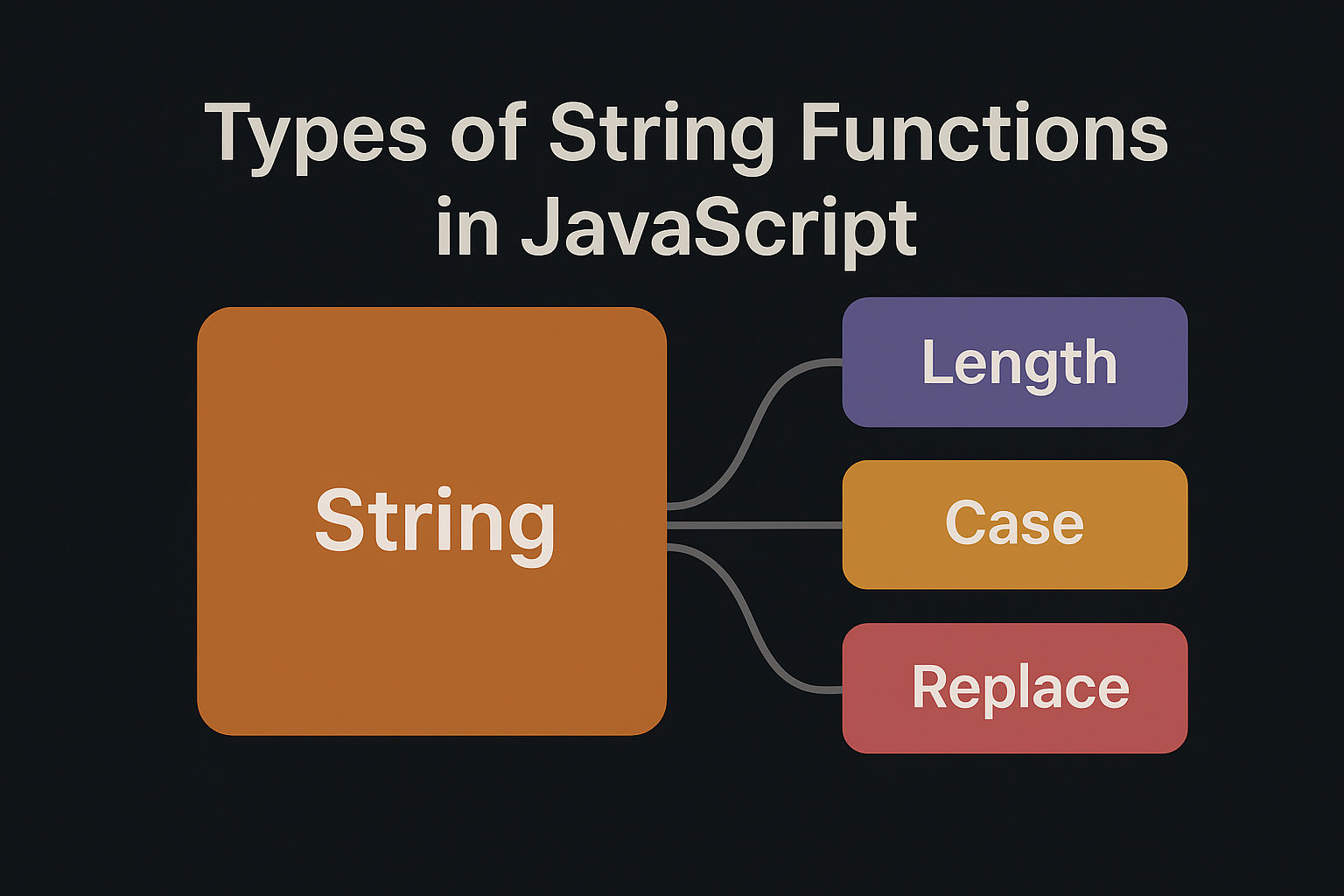
Types of String Functions in JavaScript
JavaScript provides numerous built-in string methods. Here are the main ones categorized by their purpose:
1. Case Conversion Methods
toUpperCase()
Converts string to uppercase.
javascript
let str = "hello world";
console.log(str.toUpperCase()); // HELLO WORLDtoLowerCase()
Converts string to lowercase.
javascript
let str = "HELLO WORLD";
console.log(str.toLowerCase()); // hello world2. String Search Methods
indexOf()
Returns the index of first occurrence of a substring.
javascript
let str = "hello world";
console.log(str.indexOf("o"));  // 4
console.log(str.indexOf("xyz")); // -1 (not found) lastIndexOf()
Returns the index of last occurrence of a substring.
javascript
let str = "hello world";
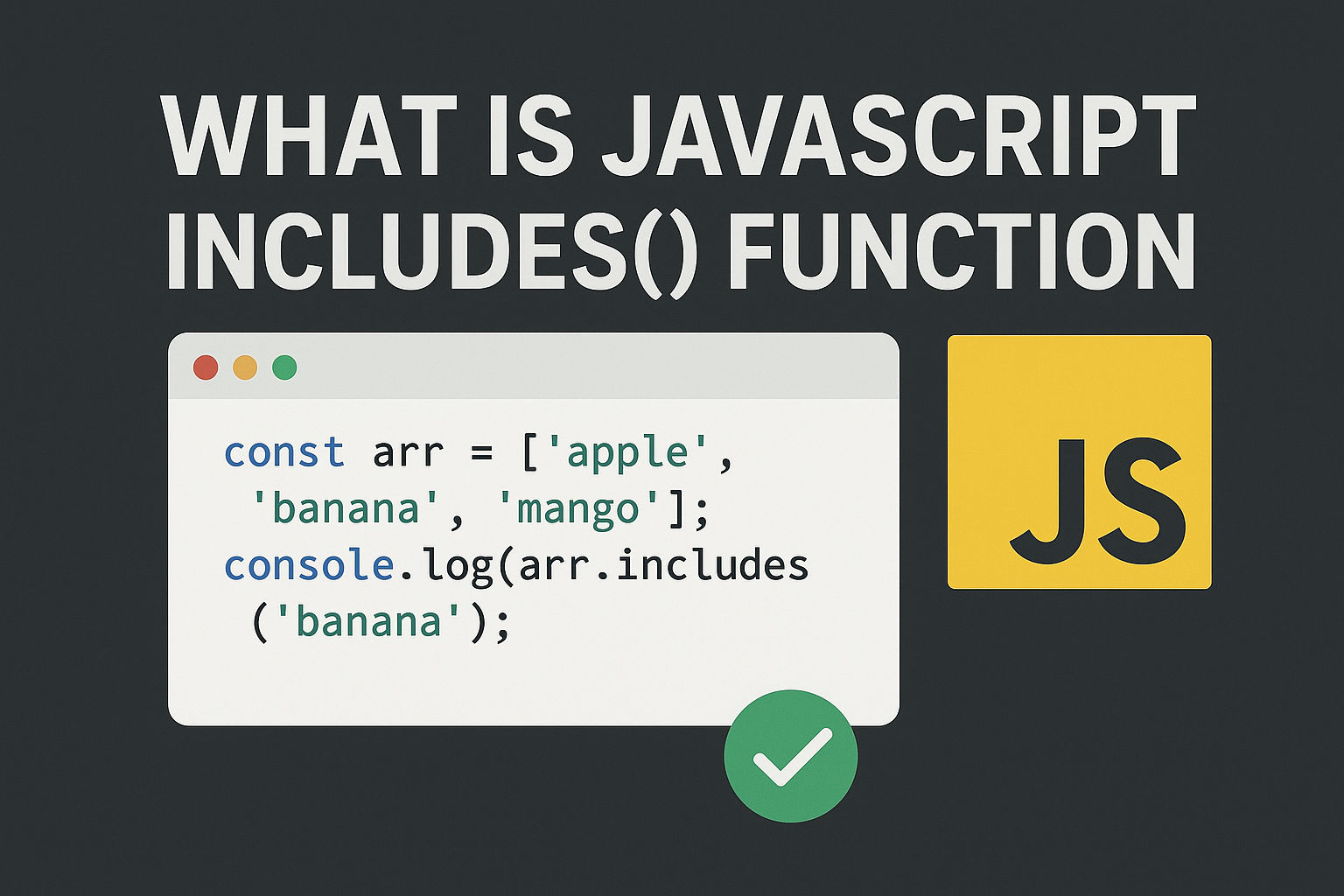
console.log(str.lastIndexOf("o")); // 7includes()
Checks if string contains a substring (returns boolean).
javascript
let str = "hello world";
console.log(str.includes("world"));  // true
console.log(str.includes("xyz")); // false startsWith()
Checks if string starts with specified characters.
javascript
let str = "hello world";
console.log(str.startsWith("hello"));  // true
console.log(str.startsWith("world")); // false endsWith()
Checks if string ends with specified characters.
javascript
let str = "hello world";
console.log(str.endsWith("world"));  // true
console.log(str.endsWith("hello")); // false search()
Returns index of first match with a regex pattern.
javascript
let str = "hello123world";
console.log(str.search(/[0-9]+/)); // 5match()
Returns an array of matches with a regex pattern.
javascript
let str = "hello123world456";
console.log(str.match(/[0-9]+/g)); // ["123", "456"]3. String Extraction/Substring Methods
charAt()
Returns character at a specified index.
javascript
let str = "hello";
console.log(str.charAt(0));  // h
console.log(str.charAt(1)); // e charCodeAt()
Returns character code (ASCII/Unicode) at specified index.
javascript
let str = "hello";
console.log(str.charCodeAt(0)); // 104 (code for 'h')substring()
Extracts characters between two indices.
javascript
let str = "hello world";
console.log(str.substring(0, 5));  // hello
console.log(str.substring(6)); // world substr()
Extracts characters starting from index with specified length.
javascript
let str = "hello world";
console.log(str.substr(0, 5));  // hello
console.log(str.substr(6, 5));  // world
// Note: substr() is deprecated, use substring() or slice() slice()
Extracts a section of string (supports negative indices).
javascript
let str = "hello world";
console.log(str.slice(0, 5));  // hello
console.log(str.slice(6));  // world
console.log(str.slice(-5));  // world
console.log(str.slice(-5, -1)); // worl 4. String Modification Methods
replace()
Replaces first occurrence of a substring.
javascript
let str = "hello hello world";
console.log(str.replace("hello", "hi")); // hi hello worldreplaceAll()
Replaces all occurrences of a substring (ES2021).
javascript
let str = "hello hello world";
console.log(str.replaceAll("hello", "hi")); // hi hi worldtrim()
Removes whitespace from both ends.
javascript
let str = "  hello world  ";
console.log(str.trim()); // "hello world"trimStart() or trimLeft()
Removes whitespace from start.
javascript
let str = "  hello  ";
console.log(str.trimStart()); // "hello "trimEnd() or trimRight()
Removes whitespace from end.
javascript
let str = "  hello  ";
console.log(str.trimEnd()); // " hello"split()
Splits string into an array of substrings.
javascript
let str = "hello,world,javascript";
console.log(str.split(","));  // ["hello", "world", "javascript"]
console.log(str.split("")); // ["h", "e", "l", "l", "o", ...] concat()
Combines two or more strings.
javascript
let str1 = "hello";
let str2 = "world";
console.log(str1.concat(" ", str2)); // hello worldpadStart()
Pads string from start to reach target length.
javascript
let str = "5";
console.log(str.padStart(3, "0")); // 005padEnd()
Pads string from end to reach target length.
javascript
let str = "5";
console.log(str.padEnd(3, "0")); // 500repeat()
Repeats string specified number of times.
javascript
let str = "ha";
console.log(str.repeat(3)); // hahaha5. String Iteration Methods
forEach() (with split)
Iterates through each character.
javascript
let str = "hello";
str.split("").forEach((char, index) => {
  console.log(index, char);
});
// 0 'h', 1 'e', 2 'l', 3 'l', 4 'o'for...of Loop
Iterates through string characters.
javascript
let str = "hello";
for (let char of str) {
  console.log(char);
}6. Template Literals
Template String
Uses backticks for string interpolation.
javascript
let name = "John";
let age = 30;
let str = `Hello ${name}, you are ${age} years old`;
console.log(str); // Hello John, you are 30 years old7. Comparison Methods
localeCompare()
Compares two strings according to sort order.
javascript
let str1 = "a";
let str2 = "b";
console.log(str1.localeCompare(str2));  // -1 (str1 comes before str2)
console.log(str2.localeCompare(str1));  // 1
console.log(str1.localeCompare(str1)); // 0 (equal) 8. Regex-Related Methods
match()
Returns matches with regex.
javascript
let str = "The year is 2025";
console.log(str.match(/\d+/g)); // ["2025"]matchAll()
Returns iterator of all regex matches (ES2020).
javascript
let str = "cat bat rat";
let regex = /[a-z]+at/g;
for (let match of str.matchAll(regex)) {
  console.log(match[0]); // cat, bat, rat
}search()
Returns index of first regex match.
javascript
let str = "hello123";
console.log(str.search(/\d+/)); // 59. Other Useful Methods
toString()
Converts value to string.
javascript
let num = 123;
console.log(num.toString()); // "123"valueOf()
Returns primitive value of string object.
javascript
let str = new String("hello");
console.log(str.valueOf()); // "hello"length Property
Returns length of string.
javascript
let str = "hello";
console.log(str.length); // 5Quick Reference Table
| Method | Purpose | Returns |
| toUpperCase() | Convert to uppercase | String |
| toLowerCase() | Convert to lowercase | String |
| charAt() | Get character at index | String |
| indexOf() | Find first occurrence | Number |
| lastIndexOf() | lastIndexOf() | Number |
| includes() | Check if contains | Boolean |
| startsWith() | Check if starts with | Boolean |
| endsWith() | Check if ends with | Boolean |
| slice() | Extract substring | String |
| substring() | Extract substring | String |
| split() | Split into array | Array |
| replace() | Replace first match | String |
| replaceAll() | Replace all matches | String |
| trim() | Remove whitespace | String |
| concat() | Join strings | String |
| repeat() | Repeat string | String |
| padStart() | Pad from start | String |
| padEnd() | Pad from end | String |
| match() | Find regex matches | Array |
| search() | Find regex index | Number |
Practical Example
javascript
let email = "  JohnDoe@Example.COM  ";

 // Clean and normalize
let cleaned = email.trim().toLowerCase();
console.log(cleaned);  // johndoe@example.com

 // Extract domain
let domain = cleaned.split("@")[1];
console.log(domain);  // example.com

 // Check validity
console.log(cleaned.includes("@")); // true Related Posts