Best Laptops for Engineering Students in Nepal 2026: Budget, Specs & Recommendations
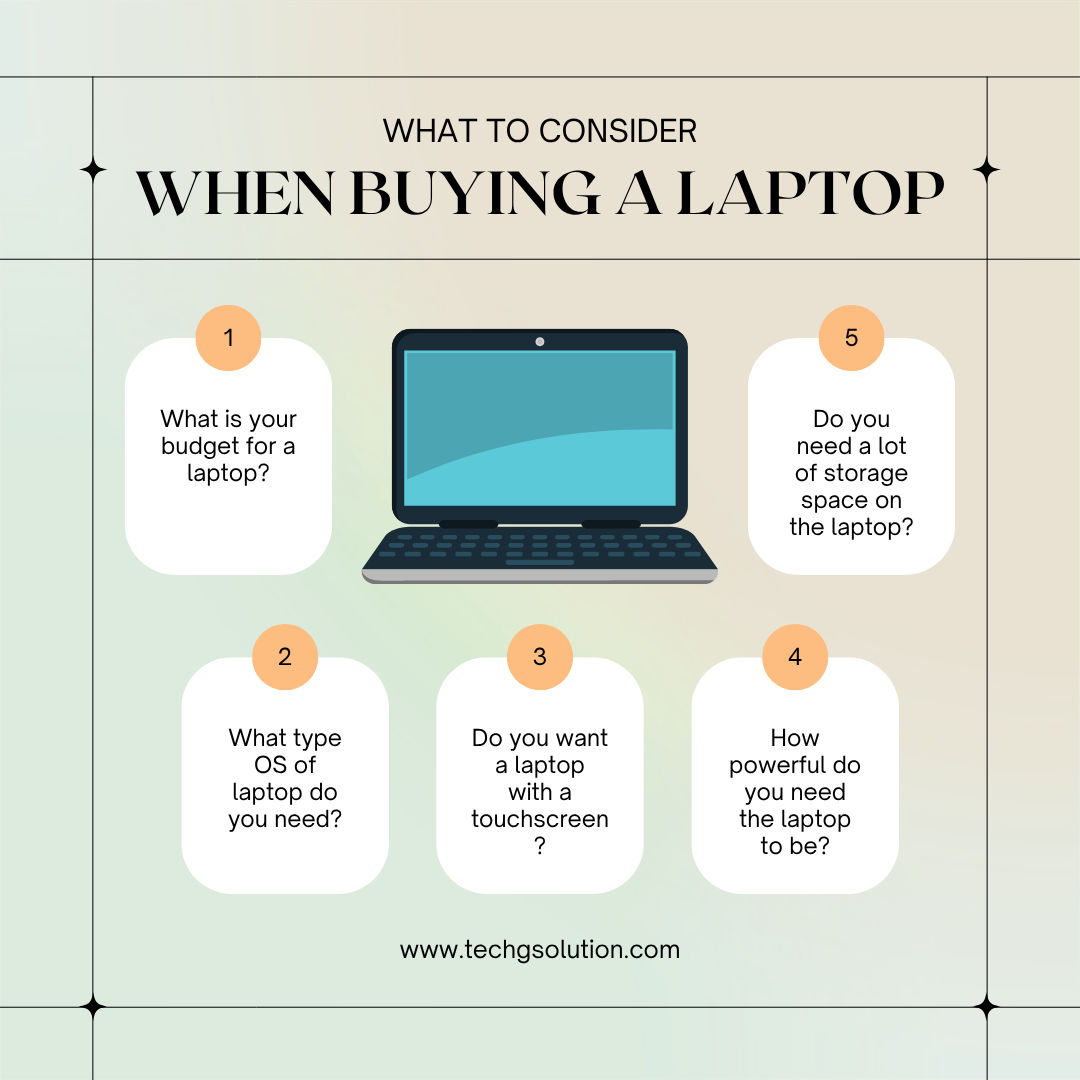
A practical breakdown of what to buy, what to skip, and when a dedicated graphics card is actually worth the money.
Students preparing to join bachelor's programs in Civil, Computer, Electronics, Mechanical, or other engineering fields often wonder whether they need a laptop from the first semester, and what specifications are sufficient.
Do engineering students need a laptop in the first semester?
A laptop is not mandatory from day one for every engineering student. However, having one from the first semester can be beneficial for assignments, report writing, programming, online learning, and project work.
For Civil Engineering students, advanced software such as AutoCAD, Civil 3D, ETABS, and STAAD Pro are generally introduced in later semesters. Students can purchase a laptop later if budget is an issue.
Minimum recommended specifications
| Processor | AMD Ryzen 5/7 or Intel Core i5/i7 (H-series preferred) |
| RAM | Minimum 16GB |
| Storage | 512GB SSD or higher |
| Graphics card | NVIDIA RTX 3050 or above, for 3D work and rendering |
| Display | 15.6-inch Full HD IPS |
| Battery | At least 4-6 hours backup |
Recommended laptop categories
For programming, report writing and basic tasks
- Lenovo IdeaPad Slim 3
- ASUS VivoBook Series
- Acer Aspire 5
For AutoCAD, SolidWorks, rendering and AI/ML learning
- HP Victus 15
- Lenovo LOQ 15
- ASUS TUF A15
- Acer Nitro V / Nitro 5
Which laptop should you buy?
If you need a laptop mainly for 3-4 years and want excellent performance at an affordable price, Lenovo LOQ is a great option.
If you want better durability and plan to use the laptop for many years, ASUS TUF is generally considered a better long-term investment.
Tips for first semester engineering students
- Focus on building strong fundamentals in Mathematics and Physics.
- Learn basic computer skills such as Microsoft Office and typing.
- Do not rely only on classroom lectures — practice regularly.
- Learn basic programming if you are studying Computer or Electronics Engineering.
- Participate in projects and practical activities from the beginning.
Do you need a dedicated GPU for engineering or IT?
Not every student needs an expensive gaming laptop with a dedicated graphics card.
For Computer Science / IT students
If your primary tasks include programming and software development, web development, mobile app development, database management, cybersecurity, or data structures and algorithms, then a laptop with a modern processor, 16GB RAM, and SSD storage is usually sufficient. A dedicated GPU is not necessary for these tasks.
Many students interested in Artificial Intelligence and Machine Learning can start learning using free cloud platforms like Google Colab, which provide free access to GPUs for training small and medium-sized models.
When is a dedicated GPU necessary?
A dedicated GPU, such as an NVIDIA RTX 3050 or higher, becomes important if you plan to work with AutoCAD, Civil 3D, ETABS, or STAAD Pro; SolidWorks, CATIA, or Revit; 3D rendering and animation; video editing; game development; large-scale AI/ML and deep learning projects; or architectural visualization.
Students in Civil, Mechanical, and Architecture, and those heavily involved in 3D design, may benefit significantly from a dedicated GPU.
Recommended specifications by field
Civil Engineering
| CPU | Ryzen 5/7 or Intel Core i5/i7 |
| RAM | 16GB minimum |
| Storage | 512GB SSD |
| GPU | RTX 3050 or above recommended for 3D software |
Computer Science / IT
| CPU | Ryzen 5/7 or Intel Core i5/i7 |
| RAM | 16GB recommended |
| Storage | 512GB SSD |
| GPU | Optional; integrated graphics is sufficient for most students |
Electronics and Communication Engineering
| CPU | Ryzen 5/7 or Intel Core i5/i7 |
| RAM | 16GB recommended |
| Storage | 512GB SSD |
| GPU | Optional unless working on AI, simulations, or 3D projects |
Additional tips before buying a laptop
- Prioritize CPU, RAM, and SSD over GPU if you are mainly coding.
- Check whether the RAM is upgradeable.
- Look for good battery life if you travel frequently.
- Ensure the laptop has enough ports (USB-A, USB-C, HDMI).
- Always check after-sales service and warranty availability in Nepal.
- An IPS display with at least 300 nits brightness is recommended for long study sessions.
- If possible, choose a laptop with a backlit keyboard.
- Avoid buying a laptop solely based on processor generation; build quality and cooling are equally important.
Choosing the right laptop early can help engineering students complete assignments, projects, and software-related tasks more efficiently throughout their bachelor's journey.