How do you make an image fill its parent container while maintaining its aspect ratio?
By GetItFully•••11 min read
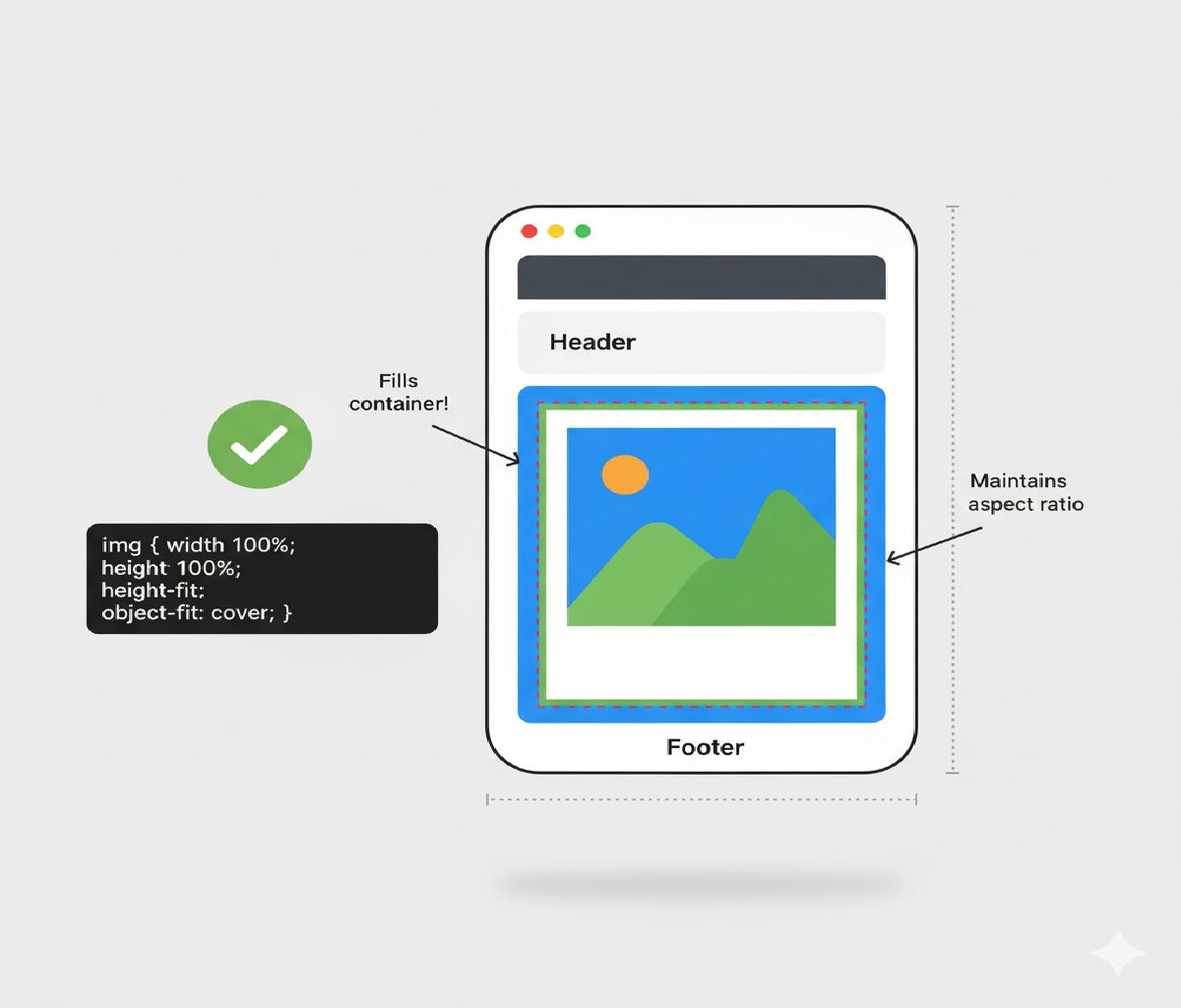
Here are the correct methods with clean code examples.
✅ Method 1: Using object-fit: cover (Best & Simplest)
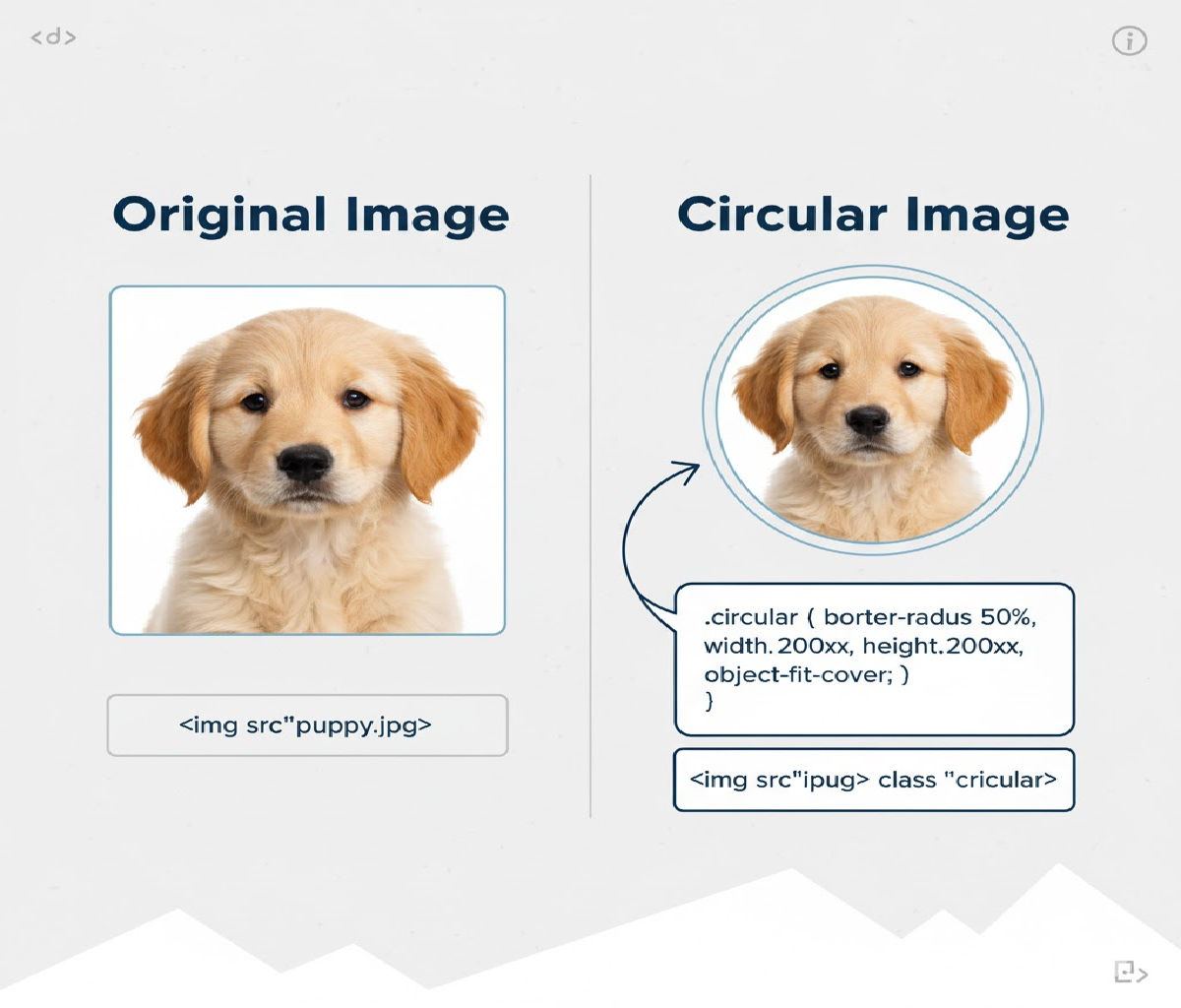
This makes the image fill the container, maintain aspect ratio, and crop overflowing parts if needed—just like background-size: cover.
HTML
<div class="container">
  <img src="image.jpg" alt="Example">
</div>
CSS
.container {
  width: 400px;      /* parent width */
  height: 250px;     /* parent height */
  overflow: hidden;  /* hide cropped areas */
}

.container img {
  width: 100%;
  height: 100%;
  object-fit: cover;   /* maintains aspect ratio */
}
What this does
- Image fills entire container
- Aspect ratio preserved
- Extra parts are cropped
✅ Method 2: Using object-fit: contain (No Cropping)
If you want the whole image visible (no cropping), but still scaled:
.container img {
  width: 100%;
  height: 100%;
  object-fit: contain;   /* maintains aspect ratio without cropping */
  background: #000;      /* optional letterbox background */
}
✅ Method 3: Make Image Behave Like a Background (Older Technique)
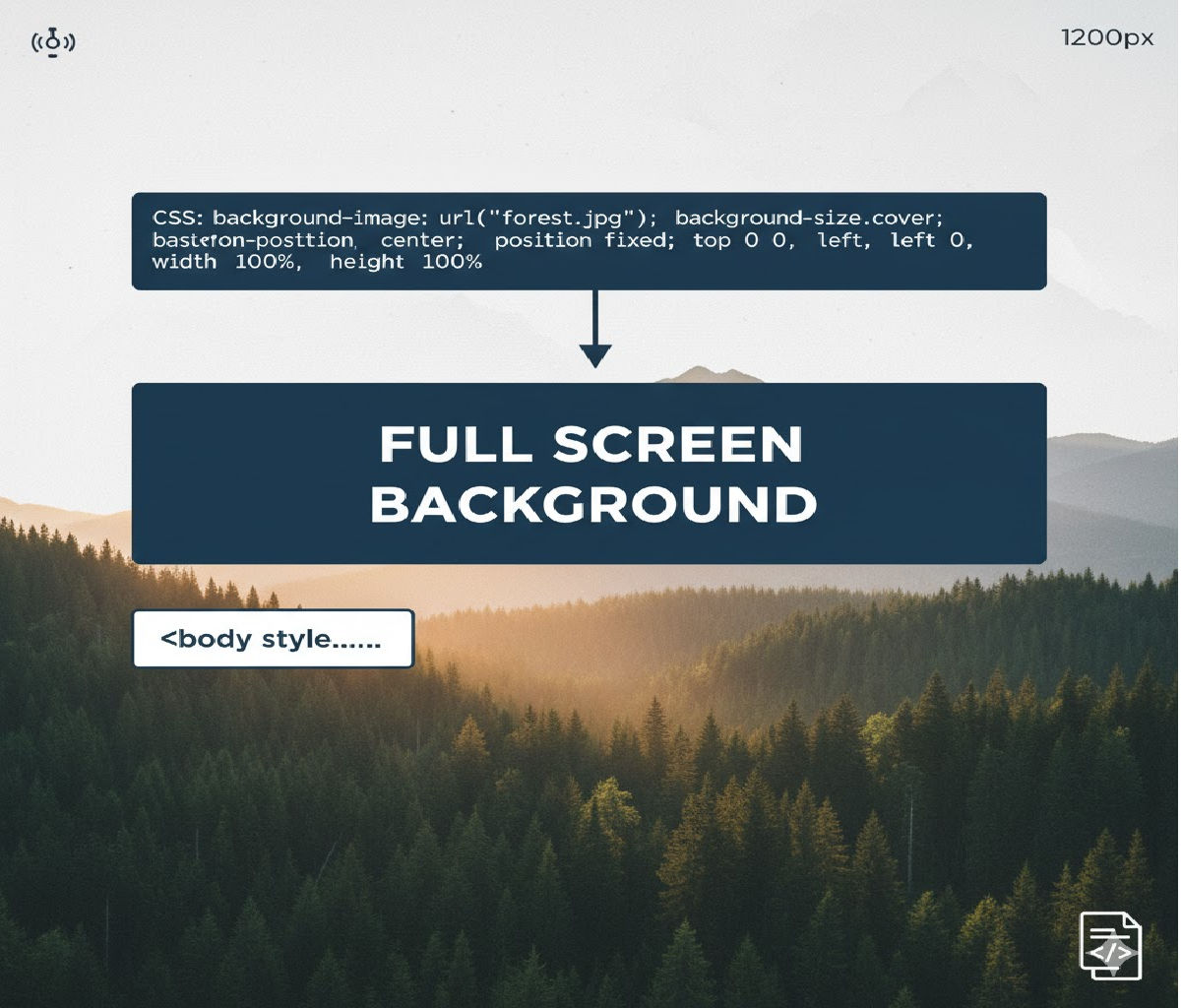
Use background-size: cover if the image is decorative.
HTML
<div class="image-box"></div>
CSS
.image-box {
  width: 400px;
  height: 250px;
  background-image: url("image.jpg");
  background-size: cover;     /* maintain aspect ratio + fill */
  background-position: center;
  background-repeat: no-repeat;
}
📝 When to Use Each Method
| Goal | Solution |
|---|---|
| Fill container + maintain aspect ratio + OK to crop | object-fit: cover |
| Maintain aspect ratio + no cropping | object-fit: contain |
| Decorative background image | background-size: cover |
Related Posts