How would you implement field-level security checking in custom Apex logic before performing DML?
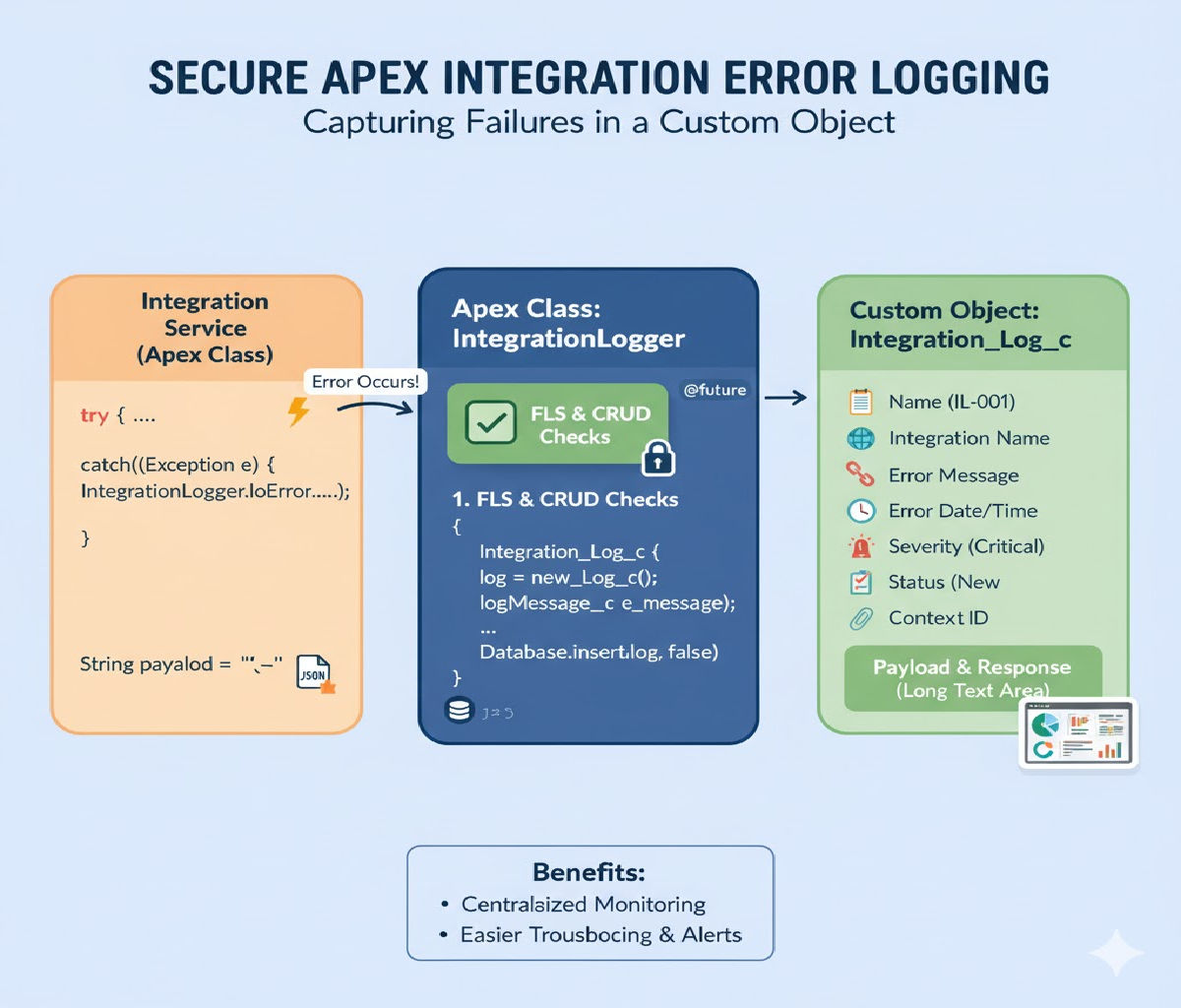
In Salesforce, Field-Level Security (FLS) is a core part of the platform’s security model. It determines whether a user can read, create, or update specific fields on an object. While Salesforce automatically enforces FLS in standard UI components like Lightning pages and record pages, custom Apex code does not always enforce FLS by default. This makes it essential for developers to explicitly check field-level permissions before performing DML operations such as insert, update, or upsert.
Failure to enforce FLS in Apex can lead to security vulnerabilities, data exposure, and violations of Salesforce security review guidelines. This article explains why FLS checks are necessary, when they are required, and how to correctly implement them using Apex best practices, including Schema.Describe, Security.stripInaccessible(), and defensive coding patterns.
Why Field-Level Security Matters in Apex
Salesforce operates on a shared responsibility model. While the platform enforces security in many areas, Apex runs in system context by default, meaning it can bypass user permissions unless explicitly restricted.
This creates risks such as:
- Unauthorized updates to sensitive fields (e.g., salary, credit limit)
- Exposure of protected data in APIs or integrations
- Failing Salesforce security reviews for managed packages
To mitigate these risks, Salesforce requires developers to manually enforce FLS in custom Apex logic whenever data is queried, modified, or returned to users.
When You Must Check Field-Level Security
You must enforce FLS in Apex when:
- Performing DML operations (
insert,update,delete,upsert) - Exposing data through Apex REST, Aura, or LWC controllers
- Writing logic that runs in user context
- Developing managed packages
- Handling user-submitted data
You generally do not need FLS checks in:
- System-only background jobs with no user interaction
- Admin-only tools where access is restricted by profile
- Test methods (though tests should simulate real scenarios)
Understanding the Salesforce Security Layers
Before implementing FLS checks, it’s important to understand the three main security layers:
- Object-Level Security (CRUD) – Can the user create, read, update, or delete the object?
- Field-Level Security (FLS) – Can the user access specific fields?
- Record-Level Security – Does the user have access to this specific record?
This article focuses on Field-Level Security, but best practice is to check CRUD + FLS together.
Method 1: Using Schema Describe for Manual FLS Checks
The traditional approach to enforcing FLS is to use Salesforce’s Schema.DescribeFieldResult.
Example: Checking Update Access Before DML
public static void updateAccountName(Id accountId, String newName) {

    // Check object-level update permission
    if (!Schema.sObjectType.Account.isUpdateable()) {
        throw new SecurityException('You do not have permission to update Account records.');
    }

    // Check field-level update permission
    if (!Schema.sObjectType.Account.fields.Name.isUpdateable()) {
        throw new SecurityException('You do not have permission to update the Account Name field.');
    }

    Account acc = new Account(
        Id = accountId,
        Name = newName
    );

    update acc;
}
Pros
- Explicit and clear
- Good for simple updates
- Fine-grained control
Cons
- Verbose for many fields
- Hard to maintain
- Error-prone in large objects
Method 2: Using Security.stripInaccessible() (Recommended)
Salesforce introduced Security.stripInaccessible() to simplify FLS enforcement. This method automatically removes fields that the user is not allowed to access.
Why stripInaccessible Is Preferred
- Automatically enforces CRUD and FLS
- Works for queries and DML
- Cleaner, safer, and Salesforce-recommended
- Required for security review compliance
Example: Enforcing FLS Before Update DML
public static void updateAccounts(List<Account> inputAccounts) {

    // Strip fields user cannot update
    SObjectAccessDecision decision =
        Security.stripInaccessible(
            AccessType.UPDATABLE,
            inputAccounts
        );

    List<Account> safeAccounts =
        (List<Account>) decision.getRecords();

    if (!safeAccounts.isEmpty()) {
        update safeAccounts;
    }
}
What Happens Here
- Fields the user cannot update are removed
- DML only affects allowed fields
- Prevents unauthorized field updates
- Avoids runtime security exceptions
Example: Insert with Field-Level Security
public static void createContacts(List<Contact> contacts) {

    SObjectAccessDecision decision =
        Security.stripInaccessible(
            AccessType.CREATABLE,
            contacts
        );

    List<Contact> safeContacts =
        (List<Contact>) decision.getRecords();

    if (!safeContacts.isEmpty()) {
        insert safeContacts;
    }
}
This ensures:
- Only creatable fields are inserted
- Sensitive fields are ignored
- No unauthorized access occurs
Checking Removed Fields (Optional Logging)
You can also inspect removed fields for auditing or debugging.
SObjectAccessDecision decision =
    Security.stripInaccessible(
        AccessType.UPDATABLE,
        records
    );

Map<Id, List<String>> removedFields =
    decision.getRemovedFields();

System.debug('Fields stripped due to FLS: ' + removedFields);
Method 3: Enforcing FLS During Queries
FLS is just as important during SOQL queries, especially in APIs.
Example: Secure Query Pattern
List<Account> accounts = [
    SELECT Id, Name, AnnualRevenue
    FROM Account
];

accounts = (List<Account>) Security.stripInaccessible(
    AccessType.READABLE,
    accounts
).getRecords();
This prevents:
- Exposing unreadable fields
- Returning restricted data to UI or APIs
Combining CRUD and FLS Checks (Best Practice)
While stripInaccessible() handles FLS, it’s still good practice to explicitly check object-level permissions.
if (!Schema.sObjectType.Account.isUpdateable()) {
    throw new SecurityException('No update permission on Account.');
}

SObjectAccessDecision decision =
    Security.stripInaccessible(
        AccessType.UPDATABLE,
        accountList
    );

update (List<Account>) decision.getRecords();
Defensive Coding Pattern for Reusability
Utility Class for Secure DML
public class SecureDML {

    public static void updateRecords(List<SObject> records) {
        if (records.isEmpty()) return;

        SObjectAccessDecision decision =
            Security.stripInaccessible(
                AccessType.UPDATABLE,
                records
            );

        update decision.getRecords();
    }

    public static void insertRecords(List<SObject> records) {
        if (records.isEmpty()) return;

        SObjectAccessDecision decision =
            Security.stripInaccessible(
                AccessType.CREATABLE,
                records
            );

        insert decision.getRecords();
    }
}
This pattern:
- Centralizes security logic
- Improves maintainability
- Reduces duplication
- Passes security reviews easily
Common Mistakes to Avoid
❌ Assuming Apex enforces FLS automatically
❌ Querying fields without checking READ access
❌ Updating fields without checking UPDATE access
❌ Using with sharing and assuming it handles FLS
❌ Ignoring FLS in REST or LWC controllers
Remember:
with sharingenforces record-level security, not FLS.
Security Review and Salesforce Best Practices
For managed packages, Salesforce explicitly requires:
- Use of
Security.stripInaccessible() - No exposure of restricted fields
- Proper handling of removed fields
Failing to do so can result in:
- Rejected AppExchange submissions
- Security vulnerabilities
- Customer trust issues
Performance Considerations
stripInaccessible()is bulk-safe- Minimal performance overhead
- Much safer than manual checks
- Preferred in high-volume environments
Testing Field-Level Security Logic
Example Test Using runAs()
@isTest
static void testFlsEnforcement() {
    User limitedUser = TestUtility.createLimitedUser();

    System.runAs(limitedUser) {
        Account acc = new Account(Name = 'Test');
        insert acc;

        acc.AnnualRevenue = 1000000;
        SecureDML.updateRecords(new List<SObject>{ acc });
    }
}
This validates:
- Restricted fields are stripped
- Code behaves correctly under user permissions
Conclusion
Implementing field-level security checks in Apex before performing DML is not optional—it is a fundamental responsibility of every Salesforce developer. Because Apex often runs in system context, developers must explicitly enforce FLS to protect sensitive data and respect user permissions.
While manual Schema.Describe checks are useful in simple cases, Security.stripInaccessible() is the modern, recommended approach. It is cleaner, safer, bulk-friendly, and fully aligned with Salesforce security guidelines.
By consistently applying FLS checks before DML, you:
- Protect user data
- Prevent security breaches
- Pass Salesforce security reviews
- Build trust with customers
- Write future-proof Apex code
In secure Salesforce development, correct permissions handling is not a feature—it’s a requirement.
Related Posts





