How to Recalculate discounts after Opportunity update
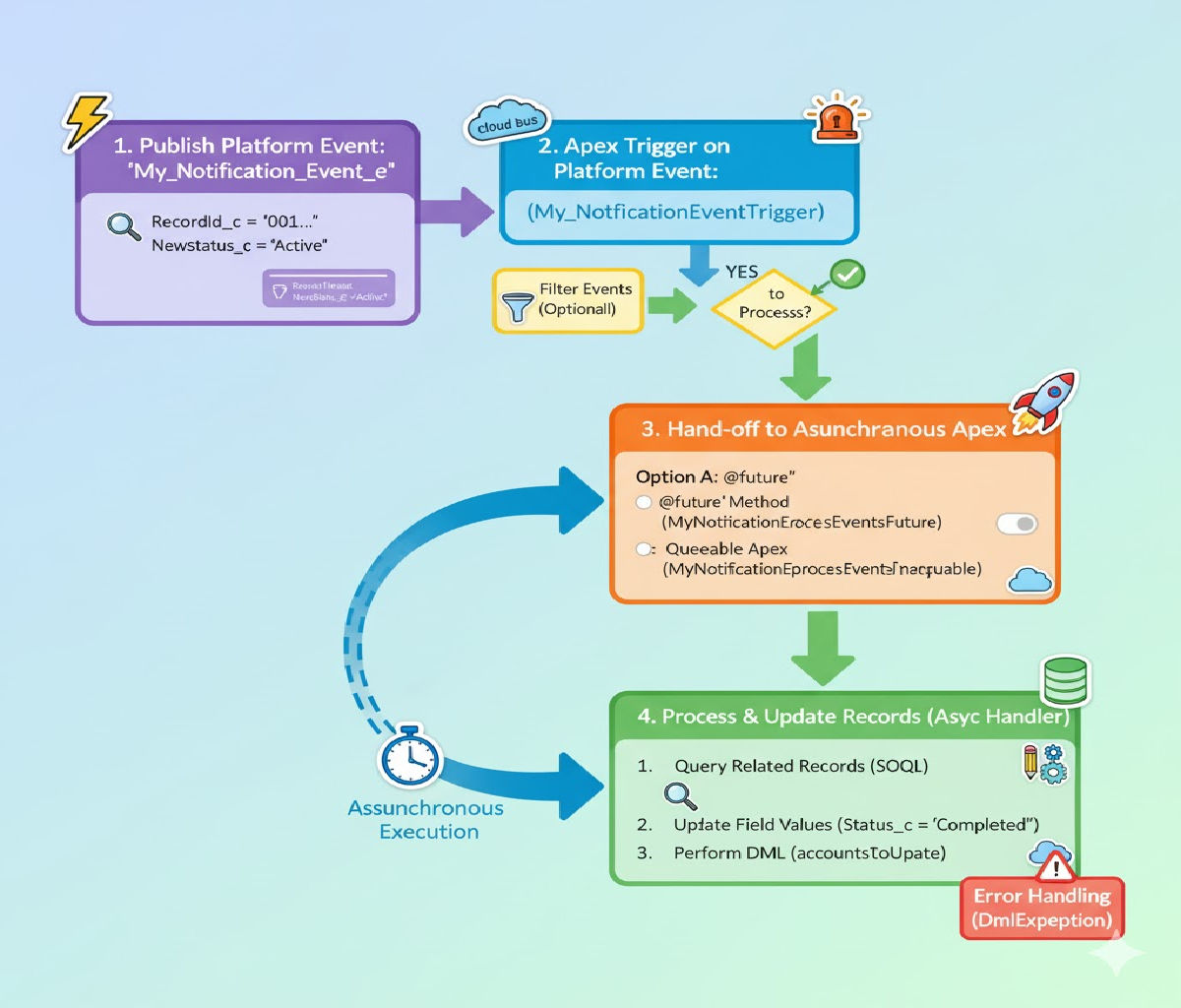
Recalculating discounts after an Opportunity is updated is a common and important requirement in Salesforce implementations, especially for sales-driven organizations using Products, Price Books, and Opportunity Line Items. Discounts may depend on factors such as deal size, stage, probability, customer type, or negotiated pricing rules. When these values change, the system must ensure pricing remains accurate, consistent, and compliant with business rules.
This article explains how to recalculate discounts after an Opportunity update, covering business scenarios, data models, trigger design, Apex code, best practices, and testing strategies. The approach is scalable, bulk-safe, and production-ready.
1. Business Scenario Overview
In Salesforce, discounts are usually applied at one or more of the following levels:
- Opportunity level (overall discount percentage or amount)
- Opportunity Product (OpportunityLineItem) level
- Contract or Account-based pricing rules
A common requirement looks like this:
When an Opportunity is updated (for example, Amount, Stage, or Account changes), recalculate discounts on all related Opportunity Line Items and update their Unit Price or Discount fields automatically.
Example Rules
- If Opportunity Amount > ₹10,00,000 → apply 10% discount
- If Stage = Negotiation → apply an additional 5%
- If Account Type = Premium Customer → apply special pricing
All of these rules should be re-evaluated whenever the Opportunity changes.
2. Data Model Involved
Before writing code, understand the standard objects involved:
Key Objects
- Opportunity
- Amount
- StageName
- AccountId
- Custom fields (e.g.,
Discount_Percentage__c)
- OpportunityLineItem
- Quantity
- UnitPrice
- TotalPrice
- Discount fields (
Discount__c, if custom)
- PricebookEntry
- ListPrice
Discount recalculation typically updates either:
OpportunityLineItem.UnitPrice, or- a custom discount field used in pricing formulas
3. Design Approach
To implement this cleanly, follow a trigger + handler pattern.
Why a Handler Class?
- Keeps trigger logic minimal
- Improves readability and testability
- Supports reuse and future extensions
Trigger Timing
- Use after update on Opportunity
- The Opportunity must be saved before recalculating related line items
4. Trigger Structure
The trigger should:
- Detect relevant field changes
- Pass affected Opportunity IDs to a handler
- Avoid unnecessary recalculations
Opportunity Trigger
trigger OpportunityTrigger on Opportunity (after update) {

if (Trigger.isAfter && Trigger.isUpdate) {

OpportunityDiscountHandler.recalculateDiscounts(

Trigger.new,

Trigger.oldMap

);

}

}This trigger does not contain business logic. It delegates responsibility to a handler class.
5. Detecting Relevant Changes
Not every update should trigger discount recalculation. For performance and data integrity, check only important fields.
Fields Commonly Checked
- Amount
- StageName
- AccountId
- Custom pricing-related fields
Change Detection Logic
public class OpportunityDiscountHandler {

public static void recalculateDiscounts(

List<Opportunity> newOpps,

Map<Id, Opportunity> oldOppMap

) {

Set<Id> affectedOppIds = new Set<Id>();

for (Opportunity newOpp : newOpps) {

Opportunity oldOpp = oldOppMap.get(newOpp.Id);

if (newOpp.Amount != oldOpp.Amount ||

newOpp.StageName != oldOpp.StageName ||

newOpp.AccountId != oldOpp.AccountId) {

affectedOppIds.add(newOpp.Id);

}

}

if (!affectedOppIds.isEmpty()) {

updateOpportunityLineItems(affectedOppIds);

}

}

}
Only Opportunities with meaningful changes are processed further.
6. Querying Opportunity Line Items
Once affected Opportunities are identified, fetch related line items in bulk.
private static void updateOpportunityLineItems(Set<Id> oppIds) {

List<OpportunityLineItem> lineItems = [

SELECT Id,

OpportunityId,

Quantity,

UnitPrice,

PricebookEntry.ListPrice

FROM OpportunityLineItem

WHERE OpportunityId IN :oppIds

];

if (lineItems.isEmpty()) return;

applyDiscounts(lineItems);

}This query is bulk-safe and respects governor limits.
7. Discount Calculation Logic
Now comes the core business logic: calculating discounts.
Sample Discount Rules
- Base discount from Opportunity Amount
- Extra discount based on Stage
private static void applyDiscounts(List<OpportunityLineItem> lineItems) {

Map<Id, Opportunity> oppMap = new Map<Id, Opportunity>([

SELECT Id, Amount, StageName

FROM Opportunity

WHERE Id IN :lineItems

]);

List<OpportunityLineItem> itemsToUpdate = new List<OpportunityLineItem>();

for (OpportunityLineItem oli : lineItems) {

Opportunity opp = oppMap.get(oli.OpportunityId);

Decimal discountPercent = 0;

if (opp.Amount >= 1000000) {

discountPercent += 10;

}

if (opp.StageName == 'Negotiation') {

discountPercent += 5;

}

Decimal listPrice = oli.PricebookEntry.ListPrice;

Decimal discountedPrice = listPrice - (listPrice * discountPercent / 100);

oli.UnitPrice = discountedPrice;

itemsToUpdate.add(oli);

}

if (!itemsToUpdate.isEmpty()) {

update itemsToUpdate;

}

}This method:
- Applies pricing rules
- Uses ListPrice as the base
- Updates UnitPrice consistently
8. Handling Bulk Updates
Salesforce triggers can process:
- Data Loader imports
- Mass updates
- Integrations
This solution is bulkified because:
- No SOQL inside loops
- Uses collections (
Set,Map,List) - Performs a single DML update
9. Avoiding Recursion
Updating Opportunity Line Items does not re-trigger the Opportunity trigger, but in complex orgs, other automation may cause recursion.
Safe Practices
- Use static variables if needed
- Keep logic isolated
- Avoid updating the Opportunity again inside this process
10. CRUD and FLS Considerations
Before updating records, ensure users have access.
if (!Schema.sObjectType.OpportunityLineItem.isUpdateable()) {

return;

}For enterprise-grade solutions, use:
Security.stripInaccessible()- Custom permission checks
11. Testing the Discount Logic
A robust test class ensures long-term stability.
Test Class Example
@isTest

public class OpportunityDiscountHandlerTest {

@isTest

static void testDiscountRecalculation() {

Account acc = new Account(Name = 'Test Account');

insert acc;

Opportunity opp = new Opportunity(

Name = 'Test Opp',

StageName = 'Prospecting',

CloseDate = Date.today(),

Amount = 1200000,

AccountId = acc.Id

);

insert opp;

Pricebook2 pb = [SELECT Id FROM Pricebook2 WHERE IsStandard = true LIMIT 1];

Product2 prod = new Product2(Name = 'Test Product', IsActive = true);

insert prod;

PricebookEntry pbe = new PricebookEntry(

Product2Id = prod.Id,

Pricebook2Id = pb.Id,

UnitPrice = 1000,

IsActive = true

);

insert pbe;

OpportunityLineItem oli = new OpportunityLineItem(

OpportunityId = opp.Id,

PricebookEntryId = pbe.Id,

Quantity = 1,

UnitPrice = 1000

);

insert oli;

opp.StageName = 'Negotiation';

update opp;

OpportunityLineItem updatedOli = [

SELECT UnitPrice

FROM OpportunityLineItem

WHERE Id = :oli.Id

];

System.assert(updatedOli.UnitPrice < 1000);

}

}This test:
- Creates realistic data
- Updates Opportunity fields
- Verifies discount recalculation
12. Alternative Approaches
Depending on your org, you may also consider:
- Flows (Record-Triggered Flow)
- Salesforce CPQ pricing rules
- Custom metadata–driven discounts
Apex is best when:
- Rules are complex
- Performance is critical
- CPQ is not available
13. Best Practices Summary
- Use after update triggers
- Follow trigger-handler pattern
- Detect only meaningful changes
- Bulkify everything
- Centralize discount logic
- Write strong test classes
14. Conclusion
Recalculating discounts after an Opportunity update ensures pricing accuracy and business consistency in Salesforce. By using a well-structured trigger, a dedicated handler class, and bulk-safe Apex logic, you can implement a powerful and scalable discount recalculation mechanism.
This approach works reliably for small teams and large enterprise orgs alike, supports future enhancements, and aligns with Salesforce development best practices.
With proper testing and security checks, your sales users can trust that every Opportunity always reflects the correct discounted price—automatically and efficiently.
Related Posts





